1
Facsimile Features
Programming Initial Set Up of a Special Sender
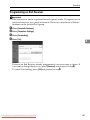
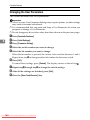
Program the "Initial Set Up" of a Special Sender. You can also specify the Bypass
Tray Paper Size.
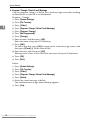
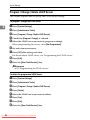
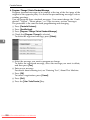
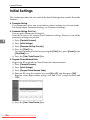
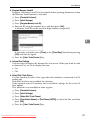
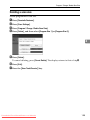
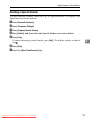
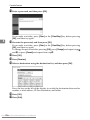
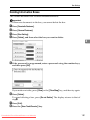
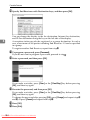
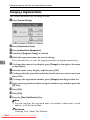
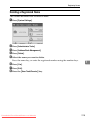
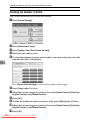
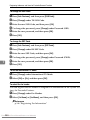
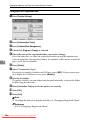
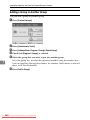
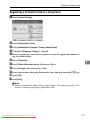
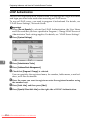
A Press [Facsimile Features].
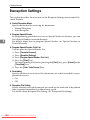
B Press [Reception Settings].
C Press [Program Special Sender].
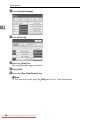
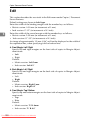
D Press [Initial Set Up].
4
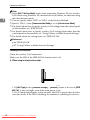
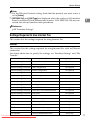
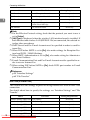
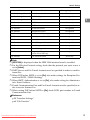
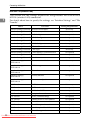
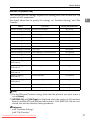
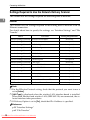
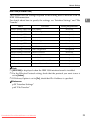
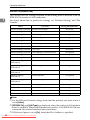
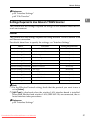
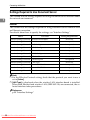
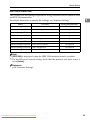
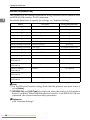
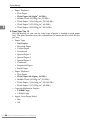
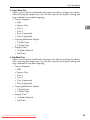
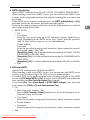
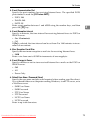
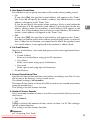
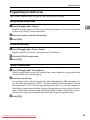
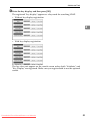
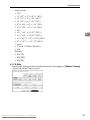
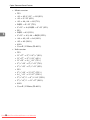
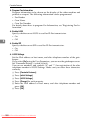
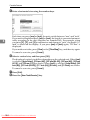
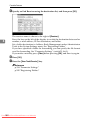
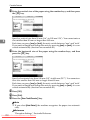
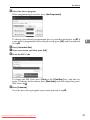
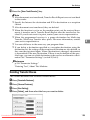
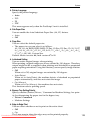
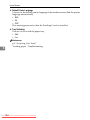
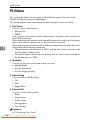
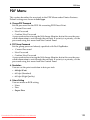
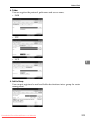
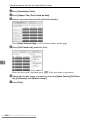
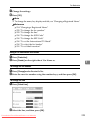
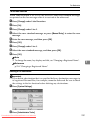
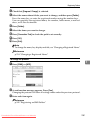
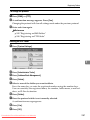
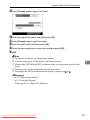
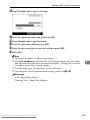
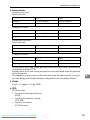
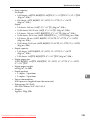
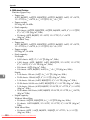
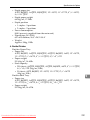
E Select the function you want to program.
In this feature, "Authorized RX" has the same settings as "Reception Settings".
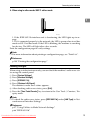
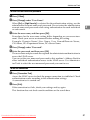
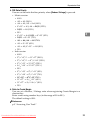
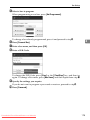
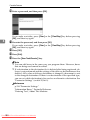
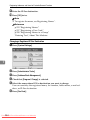
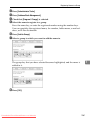
F To program Authorized RX and Special RX Function, press [Authorized Reception] or [Special Reception Function].
170 From ManualsPrinter.com Manuals
Downloaded