1
Entry/Exit Delays (cont'd)
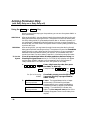
Exit Alarms
To minimize false alarms sent to the alarm monitoring company,
your system may have been programmed for this feature. Ask your
installer if Exit Alarm is active for your system.
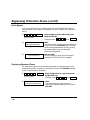
Exit Alarm Active
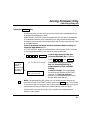
Whenever you arm the system, the exit delay begins. If an entry/exit door or
interior zone is faulted when the exit delay ends (e.g., exit door left open), the
system sounds an alarm and starts the entry delay timer. If you disarm the
system before the entry delay ends, the alarm sound stops and the message
CANCELED ALARM (Alpha keypads) or CANCELED (Fixed-word keypads)
is displayed, along with a zone number indicating the faulted zone. No message
is sent to the alarm monitoring company.
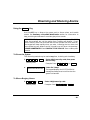
To clear the exit alarm condition, the open zone must be made intact (close
window, door, etc.). To clear the display, enter your 4-digit security code plus
OFF key.
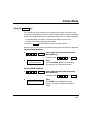
If you do not disarm the system before the entry delay ends, and an entry/exit
door or interior zone is still open, the alarm sound continues and an exit alarm
message is sent to the alarm monitoring company. The message EXIT ALARM
(Alpha keypads) or EA (fixed-word keypads) is displayed on the keypad, along
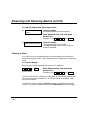
with a zone number indicating the faulted zone. To stop the alarm, the system
must be disarmed (by entering your 4-digit security code and pressing OFF). To
clear the display, enter your security code plus OFF.
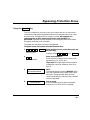
An exit alarm also results if an entry/exit door or interior zone is faulted within
two minutes after the end of the exit delay.
-9-