1
im Vertrieb von
CAMBOARD Electronics
4.
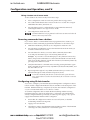
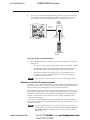
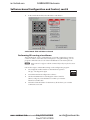
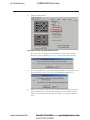
Click the Take Button Config button to implement your selections. The
command is programmed into the button’s selected memory block.
•
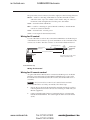
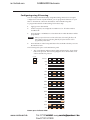
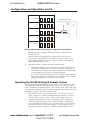
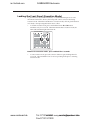
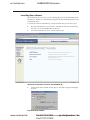
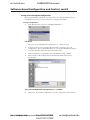
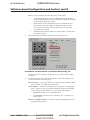
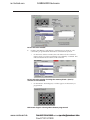
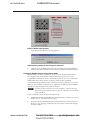
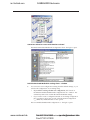
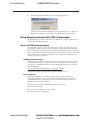
On the Driver Selection window, the radio button for the command
memory block you just programmed is surrounded by a red field. This
indicates that the block contains an IR command.
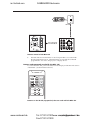
Driver Selection window showing that memory block 1 (Cmd 1)
contains an IR command
•
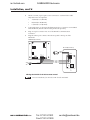
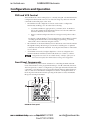
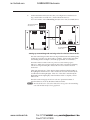
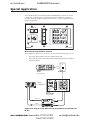
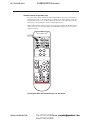
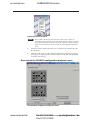
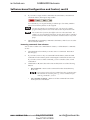
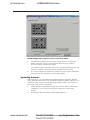
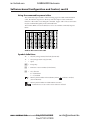
On the DVCM – DVD diagram, a red dot appears on the button you
programmed.
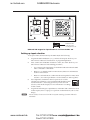
DVD mode diagram showing Menu button programmed
www.camboard.de
DVCM07131
50 • Software-based
guration and Control 5-11
Tel.
911201 [email protected]
Fax 07131 911203
PRELIMINARY
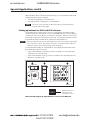
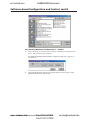
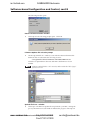
Driver Selection window