1
Release 12.0 R6 | November 2014 | 3HE 08861 AAAF TQZZA Edition 01
14 — As required maintenance tasks
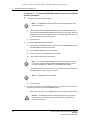
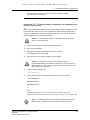
Procedure 14-14 To restore the database in a standalone 5620 SAM
system
Perform this procedure to restore a standalone 5620 SAM database using a backup copy
of the database. You need the following to perform this procedure:
•
•
•
•
•
•
•
•
a database backup file set from the same 5620 SAM release
the 5620 SAM database installation utility used to create the database during
the most recent installation or upgrade
the database name, database instance name, and the user names and
passwords specified during database creation
the user name and password of a 5620 SAM client account that has the admin
scope of command role
the original file path of the database backup
root user privileges on the main server and database stations
samadmin user privileges on the main server station
Oracle management user privileges on the main server and database stations
1
If the database backup file set is on the database station, copy the file set to
another station for safekeeping.
2
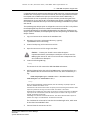
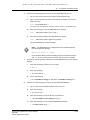
Perform the following steps to stop the 5620 SAM main server.
i
Log in to the main server station as the samadmin user.
ii
Open a console window and enter the following to navigate to the server
binary directory:
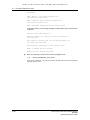
bash$ cd path/nms/bin ↵
where path is the 5620 SAM server installation location, typically /opt/5620sam/server
iii
Enter the following to stop the 5620 SAM server software:
bash$ ./nmsserver.bash force_stop ↵
iv
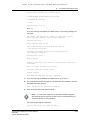
Enter the following to display the 5620 SAM server status:
bash$ ./nmsserver.bash appserver_status ↵
The command displays a status message.
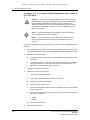
Note — The 5620 SAM server is stopped when the command displays
the following status message:
Application Server is stopped
If the command displays another message, wait five minutes and repeat
step 2 iv. Do not proceed to the next step until the server is stopped.
3
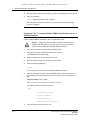
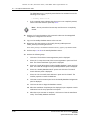
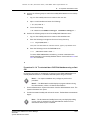
Perform the following steps to disable the 5620 SAM main server startup daemon:
i
Enter the following to switch to the root user:
# su - ↵
Alcatel-Lucent 5620 Service Aware Manager
5620 SAM
System Administrator Guide
14-23