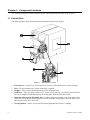
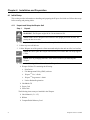
1
4.2 Load Label Material
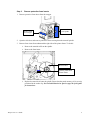
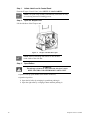
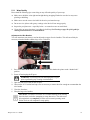
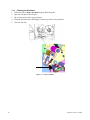
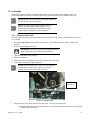
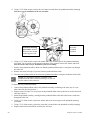
Follow the steps below to load label material in the Wraptor unit. Use the material path shown below as
your guide:
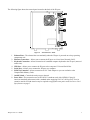
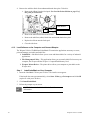
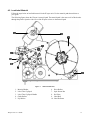
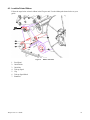
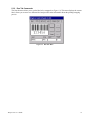
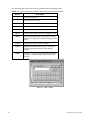
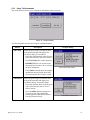
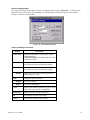
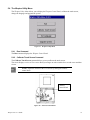
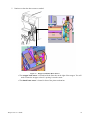
The following figure shows the Wraptor’s material path. The material path is the route a roll of labels takes
through the printer. Open the side cover of the Wraptor unit to see the material path.
Figure 7.
1.
2.
3.
4.
5.
Material Reader
Label Take-Up Spool
Label Take-Up Spool Handle
Guide Rollers
Nip Rollers
Wraptor™ User’s Guide
Material Path Parts
6.
7.
8.
9.
10.
Drive Rollers
Optic Sensor Bar
Peel Plate
Label Roll
Label Deflector
17