1
Setting PDF File Saving Options
When saving scanned images as PDF (*.pdf) files, set the compression and OCR object language saving
options.
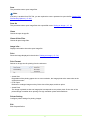
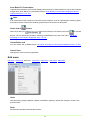
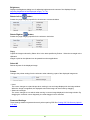
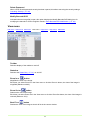
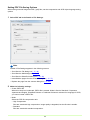
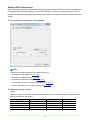
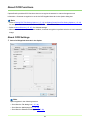
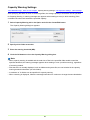
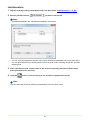
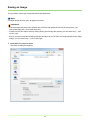
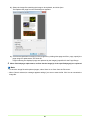
1 Select PDF tab in the Details of File Settings.
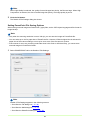
Note
Details of File Settings appears in the following screens.
• Scan Batch to File dialog box (→P. 48)
• Scan Batch to Mail dialog box (→P. 53)
• Scan Batch to SharePoint dialog box (→P. 56)
• Insert/Add the pages from the scanner dialog box (→P. 77)
• Replace the page from the scanner dialog box (→P. 80)
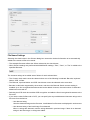
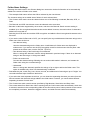
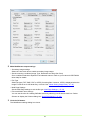
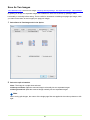
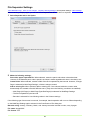
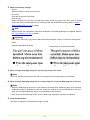
2 Make the following settings:
• Create PDF/A file
When this check box is selected, PDF/A file is created. Mode is fixed to Standard. If Japanese,
Japanese and English, Simplified Chinese or Traditional Chinese is selected for Language for OCR,
you cannot create a PDF/A file.
• Mode
Select the PDF file compression ratio.
– High Compression
Files are saved with high compression. Image quality is degraded, but the file size is smaller.
– Standard
Files are saved with standard compression.
19