1
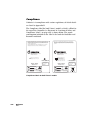
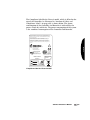
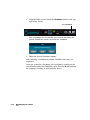
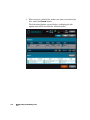
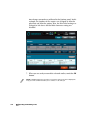
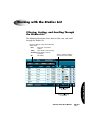
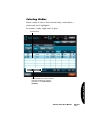
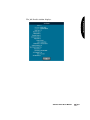
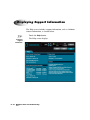
The Dashboard includes the following indicators:
• Time-to-Complete indicator. This indicates the estimated
amount of time remaining for all pending jobs to complete. The
round “timer” indicates the time remaining as an orange wedge.
The larger the wedge, the more time is required. If the timer is
solid orange, then at least one hour of time is required to
complete all jobs. The digital display next to the timer shows the
hours:minutes remaining.
• Input bin Media indicators. These show the media type for
which each input bin is configured and how many discs remain.
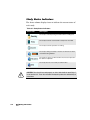
• LED status indicators. The three LED-style lights indicate the
overall status of the device. For more information about these,
refer to “Interpreting LED Status Indicators” on page 11-3.
• Status messages. Messages that provide basic information about
the device’s operating state. Touching the Dashboard displays
more detailed status information.
11-2
Device Status and Troubleshooting