1
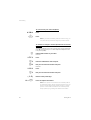
Description
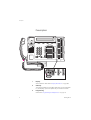
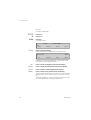
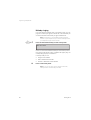
Dialog 3213
4
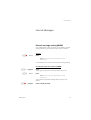
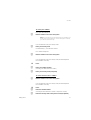
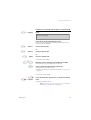
Callback
See section “When You Receive a Busy Tone” on page 21.
Function can be removed or moved to other programmable
function key by system administrator.
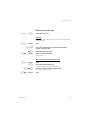
5
Diversion (follow-me)
See section “Call Forwarding” on page 25. Function can be
removed or moved to other programmable function key by system
administrator.
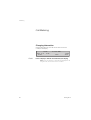
6
Programmable function keys
See section “Programming and Adjustments” on page 76.
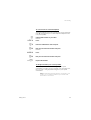
7
Programmable function key/Headset key
Normally a programmable function key as described at 6. With
Option unit DBY 410 02 (optional accessory) installed under the
telephone, the key is dedicated to be programmed by the system
administrator as the Headset key. See section “Other Useful
Facilities” on page 54.
8
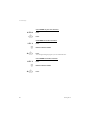
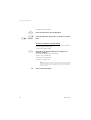
Transfer
See section “During Calls” on page 15.
9
Triple access line
For handling calls. Access 1 and 2 are available both for incoming
and outgoing calls. Inquiry can only be used for outgoing calls.
10
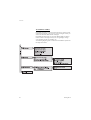
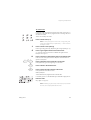
Menu key
When the telephone is in idle state, press to switch between “idle
message” and soft key descriptions.
11
Volume control
See section “Programming and Adjustments” on page 76.
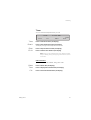
12
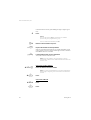
Mute
a
b
To switch the microphone on or off during a call.
To switch off the ringing signal in idle state or when
ringing. See sections “During Calls” on page 15 and
“Audible Signals” on page 87.
13
Loudspeaker on/off
See section “During Calls” on page 15.
14
Clear
To disconnect calls, exit a function or clear the display in programming.
Can always be pressed instead of replacing the handset.
15
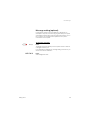
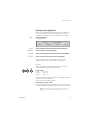
Optional key panel
With 17 dual-function programmable keys. One or two panels can
be connected.
5