1
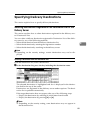
Relationship between Resolution and Scan Size
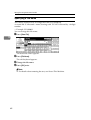
When Using as a TWAIN Scanner
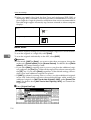
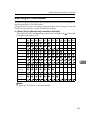
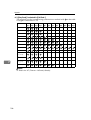
This section explains the relationship between resolution and scan size when using the machine as a TWAIN scanner.
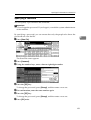
To specify the scan area or resolution on the machine you are using as a network
TWAIN scanner directly, see the TWAIN driver Help.
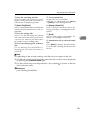
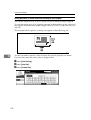
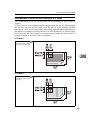
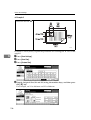
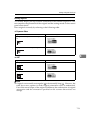
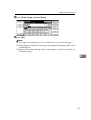
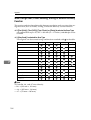
❖ If [Binary(Text)] or [Binary(Photo)] is selected in [Col./Grad.:]
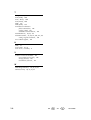
The originals can be scanned using combinations marked with
if Original Orientation is L.
100
dpi
200
dpi
300
dpi
400
dpi
500
dpi
600
dpi
700
dpi
800
dpi
900
dpi
in the table
1000 1100 1200
dpi dpi dpi
A3
B4
A4
B5
A5
B6
A6
7
A7
11× 17
Legal
(81/2× 14)
81/2× 13
Letter
(81/2× 11)
51/2× 81/2
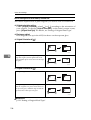
Note
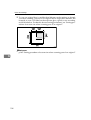
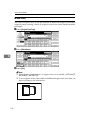
❒ Enter size A7 (74 mm × 105 mm) directly.
135