1
Quadro Manual I: Installation Guide
Step 4: Making/Receiving Calls
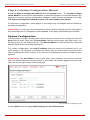
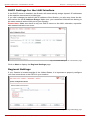
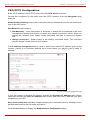
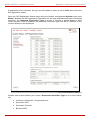
button. When the page opens, go to General Settings and edit the Display Name and
click the Save button. Do not change any other settings at this time. For more information
on the Extensions Management settings, refer to the Administrator’s Guide and Appendix:
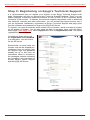
Registering on Epygi’s SIP Server of this document. The default SIP addresses are based
on internal parameters unique to each Quadro device. If the Quadro undergoes a factory
reset, the default addresses will be restored.
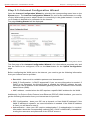
If you want to establish a dial plan between several Quadro units in a private group, refer to
Appendix: Registering on Epygi’s SIP Server, which describes how to change the default,
SIP addresses on the Epygi SIP server and in the Quadro devices. With the directory service, you can create a private directory accessible from the Internet using a username/password. This service is enabled through the Epygi SIP Server.
Quadro2x, 2xi, Quadro4x, 4xi, Quadro16x, 16xi; (SW Version 5.2.x)
46