1
Installing and Configuring the EVGA nForce 680i SLI Motherboard
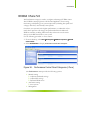
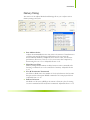
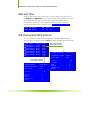
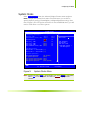
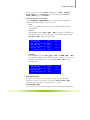
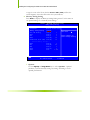
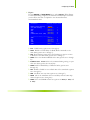
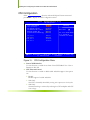
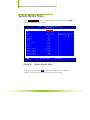
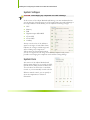
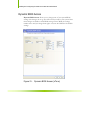
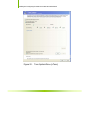
NVIDIA Monitor
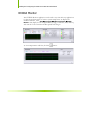
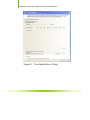
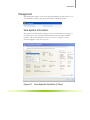
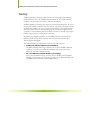
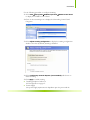
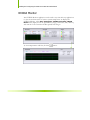
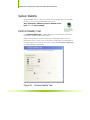
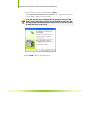
The NVIDIA Monitor application can be used at any time with any applications
to view the real-time status of various system components. To display the
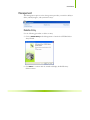
NVIDIA Monitor, select Start¾All Programs¾NVIDIA Corporation¾NVIDIA
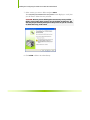
Monitor. This display shows the performance (usage) of the CPU, disk, memory,
and network. It also monitors the Bus speeds and voltages.
To view temperatures and fans, click the
70
button.