1
CHAPTER 7
Using SIM 3
7.2.7. Autoset Delay (F3)
Autoset Delay is used in the Delay Finder measurement to synchronize the three
measurement points (Console, Processor, and Mic) in time.
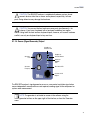
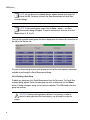
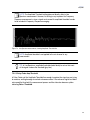
NOTE: The center of the Delay Finder graph view will read the current internal
delay time (the default when beginning a branch measurement is 0 ms).
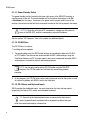
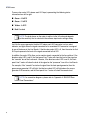
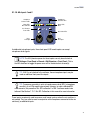
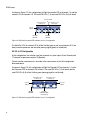
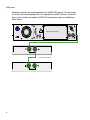
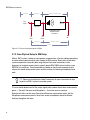
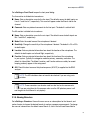
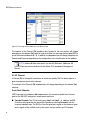
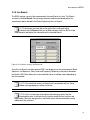
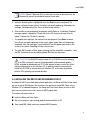
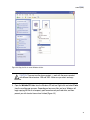
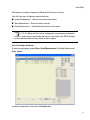
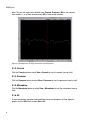
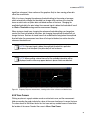
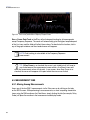
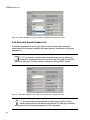
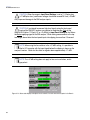
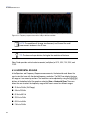
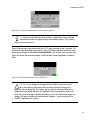
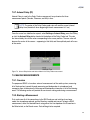
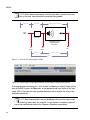
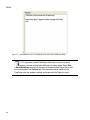
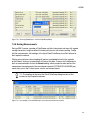
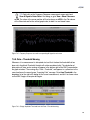
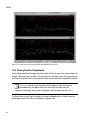
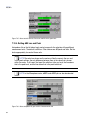
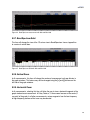
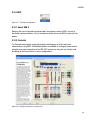
Once the cursor has stabilized on a peak, select Settings > Autoset Delay, press the F3 key,
or click the Autoset Delay button located at the bottom of the Delay Finder tab. This sets
the internal delay time to the value corresponding to the cursor position. The new value will
become the center of the screen — appearing in that field, and the amplitude peak will move
to the center.
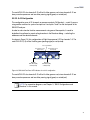
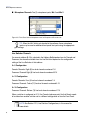
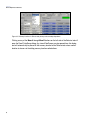
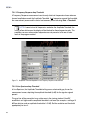
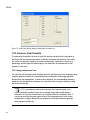
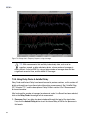
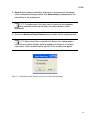
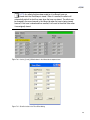
Figure 7.8. Autoset Delay button and value window in the Delay Finder measurement
7.3. MAKING MEASUREMENTS
7.3.1. Overview
The purpose of SIM 3 is to make a series of measurements of the audio system, measuring
all of the branches (console through processing and loudspeaker to microphone) and
comparing them to determine the coverage and loudspeaker interaction in all of the listening
areas. The following section will provide an overview on making and storing a measurement.
7.3.2. Starting a Measurement
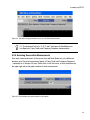
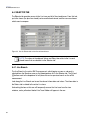
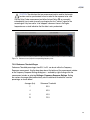
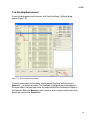
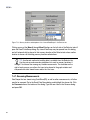
First, make sure all of the connections to the SIM 3 analyzer and switchers have been
made, the microphones placed, and the Branches created and named. To begin a SIM 3
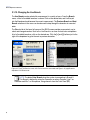
measurement, select the desired Branch using either the Live dropdown list of branches in
the Selector tab, or the Branch menu. Data will begin to be acquired.
127