1
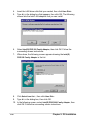
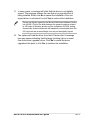
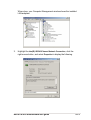
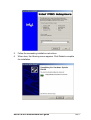
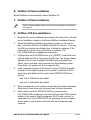
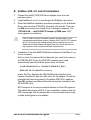
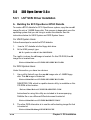
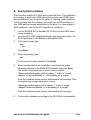
11. When done, the following screen appears showing the Intel(R)
PRO/1000 Family Adapter in the list.
12. Click Next and follow any other screen instructions to complete the
installation.
C. Existing System Installation
1.
2.
4.
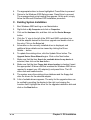
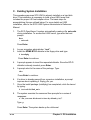
Double-click the Network icon in the Control Panel.
Select the Adapter tab, then click Add. A list of adapters appears.
Do not select an adapter from the list. Instead, insert the LAN driver
disk that you created from the PR-DLS support CD.
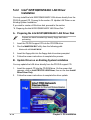
Refer to the section “A. Preparing the Intel 82551QM/82544GC LAN
Driver Disk” if you have not yet created the LAN driver disk.
5.
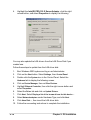
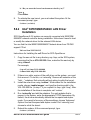
Follow steps 4 to 12 in the section “B. New System Installation” to
install the required LAN drivers.
ASUS PR-DLS motherboard user guide
5-7