1
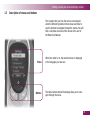
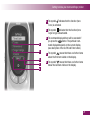
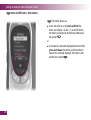
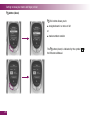
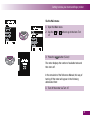
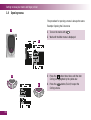
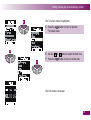
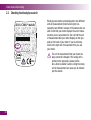
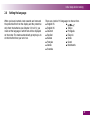
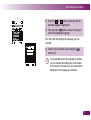
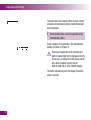
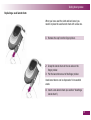
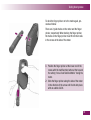
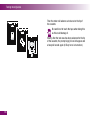
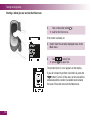
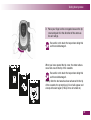
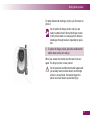
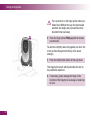
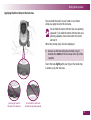
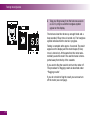
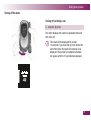
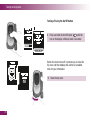
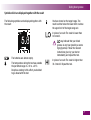
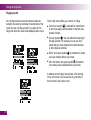
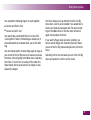
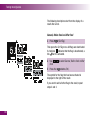
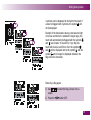
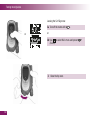
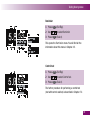
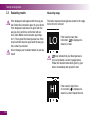
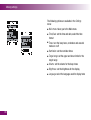
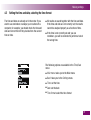
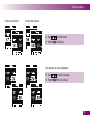
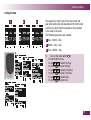
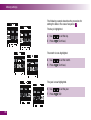
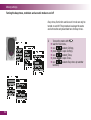
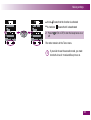
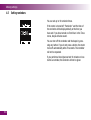
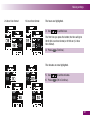
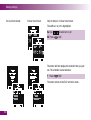
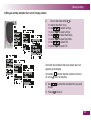
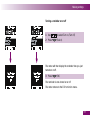
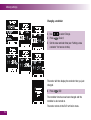
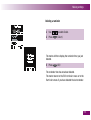
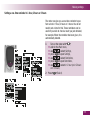
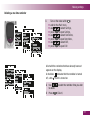
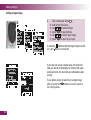
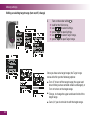
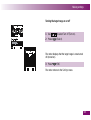
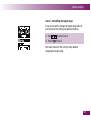
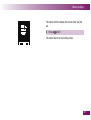
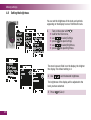
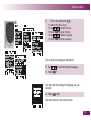
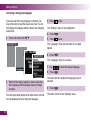
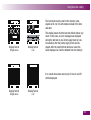
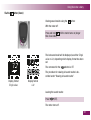
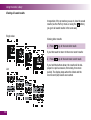
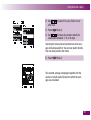
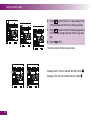
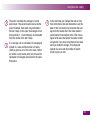
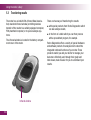
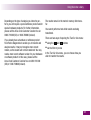
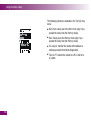
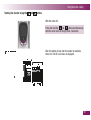
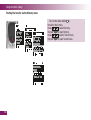
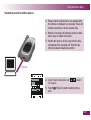
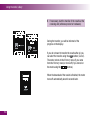
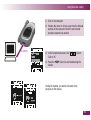
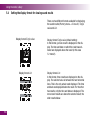
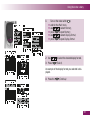
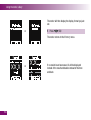
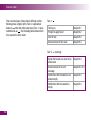
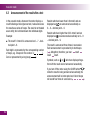
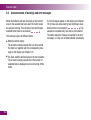
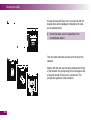
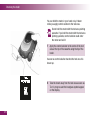
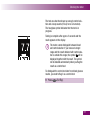
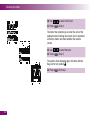
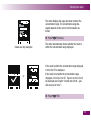
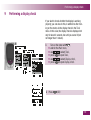
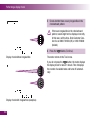
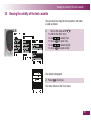
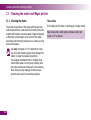
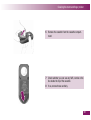
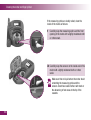
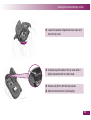
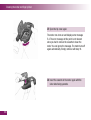
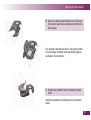
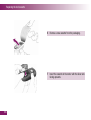
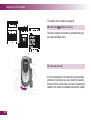
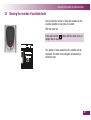
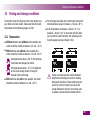
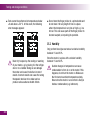
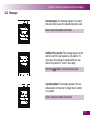
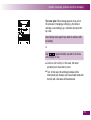
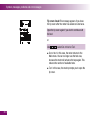
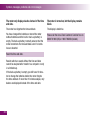
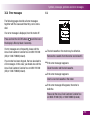
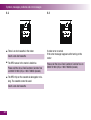
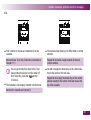
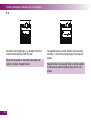
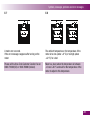
Using the meter a diary Via the Memory menu Viewing saved results via the Memory menu: , Turn on the meter with wait for the Main menu, to select Memory, use to open Memory, press to select All results, use to open All results. press The last saved result will be displayed, as either Single value or List, depending which display format has been set. The command for the button is OK. The procedure for viewing all saved results is described under “Viewing all saved results”. Display format Single value Display format List Leaving the saved results: Press (OK). The meter returns to the Memory menu. 136