1
Taking a Picture
Note: Insert SD card to the unit before taking pictures, or unit will
not function.
Warning: The unit will be turned off when you insert or extract
memory card. Please make sure that the unit is off before
removing SD card
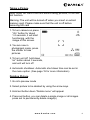
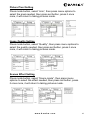
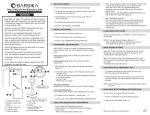
1. To turn camera on press
“On” button for about
1-2 seconds, it will start
functioning, with the
image of this screen.
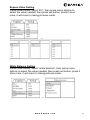
2. You are now in
photograph mode, press
the shutter to take
pictures.
3. To turn unit off hold down
“on” button about 3 seconds,
and unit will turn off
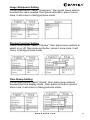
4. Automatic shutdown: Automatic shut down time can be set in
the menu option. (See page 15 for more information)
Deleting Picture
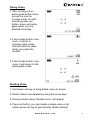
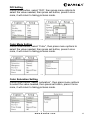
1. Go into preview mode
2. Select picture to be deleted by using the arrow keys
3. Hold set button down “Delete menu” will appear
4. Press set button, you can delete a single image or all images
press set to permanently delete image(s)
www.barska.com
8