1
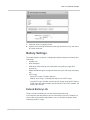
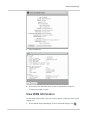
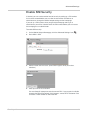
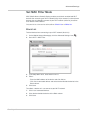
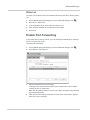
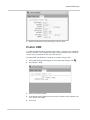
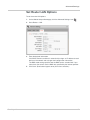
3 3: Advanced Settings This chapter provides information on how to change advanced settings. The advanced settings enable you to configure various aspects of the device such as Wi-Fi settings, WAN settings, router settings, etc. Do not Automatically Install Driver for USB Tethering* By default, a host driver is installed the first time you connect your mobile hotspot to the computer via the USB cable. This driver enables the mobile hotspot to connect to the Internet when it is tethered to a USB port on the computer via the USB cable instead of using the Wi-Fi network. If you do not want to use this feature and want to use only the USB cable to charge the mobile hotspot battery, you can set the host driver not to install. To set the host driver not to install: 1. On the Mobile Hotspot Homepage, click the Advanced Settings icon ( ). 2. On the Device > Basic tab, beside Automatically install host driver for USB tethering, select No. 3. Click Save. *. * Enterprise variant available with microSD and WPS functionality disabled and drivers supporting tethering removed. Rev 3 Apr.12 38