1
1500/1502 Barcode Scanner User Guide
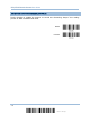
ONE-SCAN SETUP BARCODES
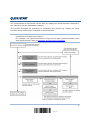
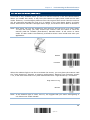
An “One-scan Setup Barcode” does exactly what its name advertises. Scanning one such
barcode gets the setting done while saves the hassle of Enter Setup and Update
barcodes scanning. Most setting parameters are supported by One-scan Setup.
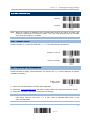
To create an “One-scan Setup Barcode”:
prefixing the setting parameter with “#@” characters
suffixing the setting parameter with “#”character
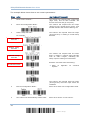
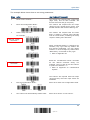
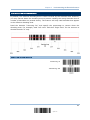
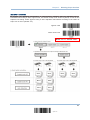
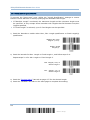
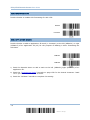
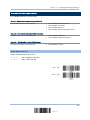
By the example of the setting parameter 109952, the scanner originally needs reading
three barcodes to get it set:
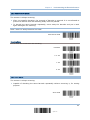
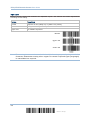
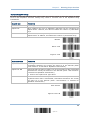
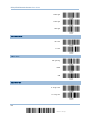
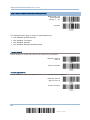
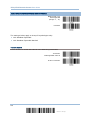
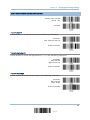
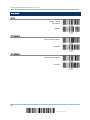
Enter Setup
List Page 3
Update
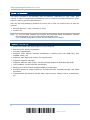
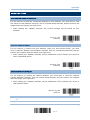
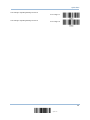
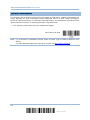
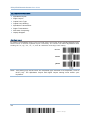
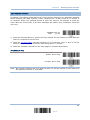
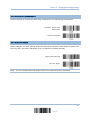
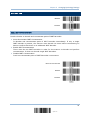
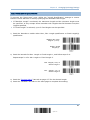
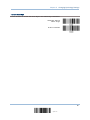
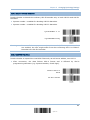
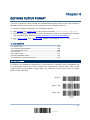
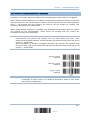
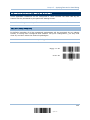
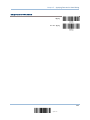
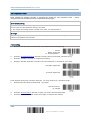
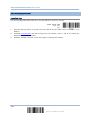
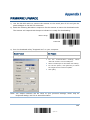
With One-scan Setup Barcode #@109952#, setting is done with one scan.
One-Scan Setup Barcode
for 109952
Note: If the scanner reads an Once-scan Setup Barcode that changes the interface, it
automatically restarts and sounds a long beep upon scanning, and the LED lights
on red and shortly off.
14
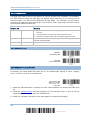
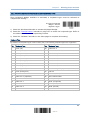
Enter Setup