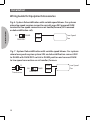
1
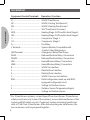
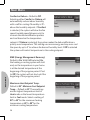
Main Menu
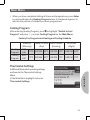
• When you have completed setting all times and temperatures, press Enter
to save and display the Heating Program menu. A checkmark appears to
indicate the portion of schedule you have programmed
Cooling Program
After entering Heating Program, press to highlight “Switch to Cool
Program” and press , or enter Cooling Program on the Main Menu.
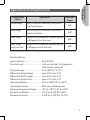
Factory Pre-Programmed Heating and Cooling Schedule
Heating
Program
Cooling
Program
Wake Up
Leave for Work Return Home
Go to Bed
(Morning)
(Day)
(Evening)
(Night)
6:00
70oF 8:00 AM 62oF 5:00 PM 70oF 10:00 PM 62oF
AM
6:00
75oF 8:00 AM 83oF 5:00 PM 75oF 10:00 PM 78oF
AM
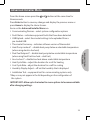
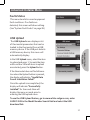
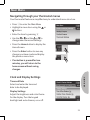
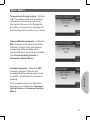
Thermostat Settings
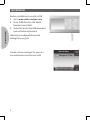
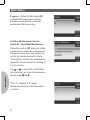
MAIN MENU
Additional thermostat operating settings
are found in the Thermostat Settings
Menu.
In the Main Menu highlight and enter
Thermostat Settings.
23