1
Checking Stored Files
Checking Stored Files
You can display the Preview screen and check a stored file on the machine or
from the client computer.
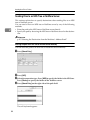
Checking a Stored File Selected from the List
This section explains how to preview a file selected from the list of stored files.
A
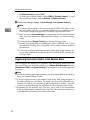
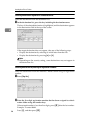
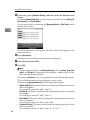
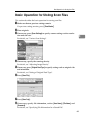
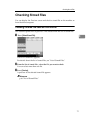
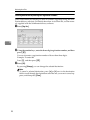
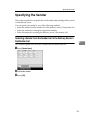
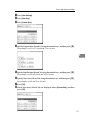
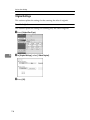
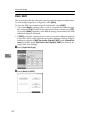
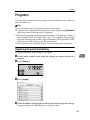
Press [Select Stored File].
3
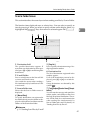
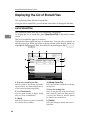
The list of stored files appears.
For details about the list of stored files, see "List of Stored Files".
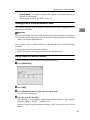
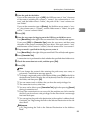
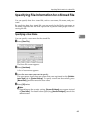
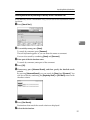
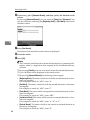
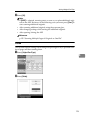
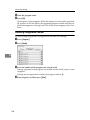
B From the list of stored files, select the file you want to check.
You can select more than one file.
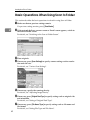
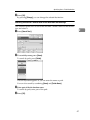
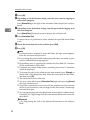
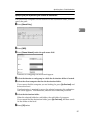
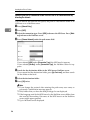
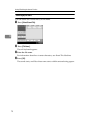
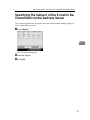
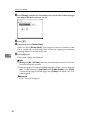
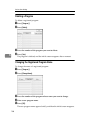
C Press [Preview].
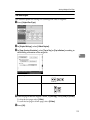
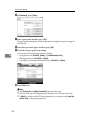
A preview of the selected stored file appears.
Reference
p.68 “List of Stored Files”
71