1
Contents
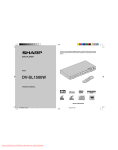
DV-SL1000W
ENGLISH
Page
Precautions ................................................................................... 3
Types of playable discs ............................................................... 4
Description of discs ..................................................................... 5
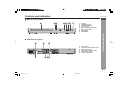
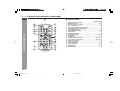
Controls and indicators ......................................................... 6 - 7
H System Connections
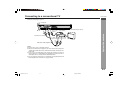
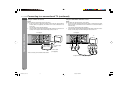
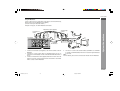
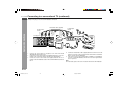
Connecting to a conventional TV ......................................... 8 - 11
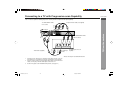
Connecting to a TV with Progressive-Scan Capability ... 12 - 13
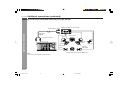
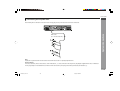
Additional connections ...................................................... 14 - 18
H Preparation for Use
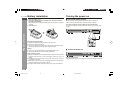
Battery installation ..................................................................... 19
Turning the power on ................................................................. 19
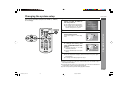
Changing the system setup ............................................... 20 - 26
General control ........................................................................... 27
H DVD Operation
DVD playback
Page
Various settings
To change the subtitle language ............................................... 36
To change the audio language (audio output) ........................ 36
H Video CD and Super Video CD Operation
Video CD and Super Video CD operation
Playback of a video CD (super video CD) with P.B.C. ON ...... 37
To change the audio channel .................................................... 38
To change the display on TV screen ........................................ 38
To play without activating the playback control function ...... 39
To start playback from the desired point (direct play) ............ 39
H CD, CD-R and CD-RW Operation
CD operation
To play in the desired order (programmed play) ..................... 40
JPEG disc operation
Playback on the JPEG menu screen ................................ 41 - 42
Zoom function ............................................................................. 43
Playback .............................................................................. 28 - 29
To resume playback after stopping (resume play) .................. 29
DVD mode operation indicators ................................................ 29
H Advanced Features
Basic operation
H References
To locate the beginning of a chapter (track) (skip) ................. 30
Fast forward/Fast backward (search) ....................................... 30
To start playback from the desired point (direct play) ............ 31
Useful operation
Enjoying various sounds ........................................................... 44
Troubleshooting chart ........................................................ 45 - 46
Error indicators and warnings .................................................. 47
Maintenance ................................................................................ 47
Specifications ............................................................................. 47
Copyright ..................................................................................... 48
General Information
H General Information
Still picture .................................................................................. 32
Slow-motion play ........................................................................ 32
To change the angle ................................................................... 33
To zoom images (zoom) ............................................................. 33
To play repeatedly (repeat play) ................................................ 34
To play the contents between the specified points repeatedly
(A-B repeat) ................................................................................. 35
To select a title from the top menu of the disc ........................ 35
To select a subtitle or audio language from the disc menu ... 35
E-2
DV-SL700 01-16
2
2/9/06, 2:26 PM