1
iNet6+
3.2.2 Network
Argon iNet6+ remembers the last four wireless networks it has connected to, and automatically tries to
connect to whichever one of them it can find.
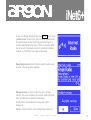
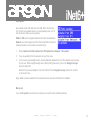
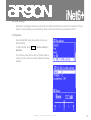
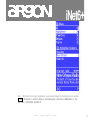
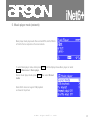
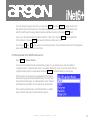
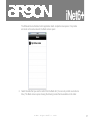
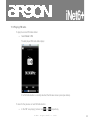
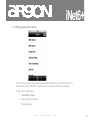
You can see the list of registered networks through Menu > System settings > Network > Network profile >.
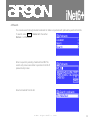
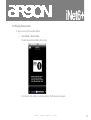
From here you can delete unwanted networks by turning and pressing Select then confirming delete Yes.
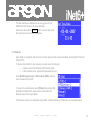
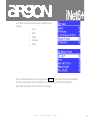
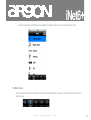
There are also other options for viewing and manually altering network settings from Menu > System
settings > Network > (for example setting up a wired network). Users experienced with networking may find
these options useful for diagnosing and fixing network problems.
3.2.3 Language
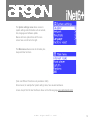
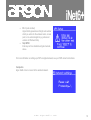
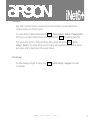
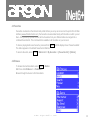
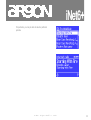
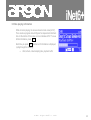
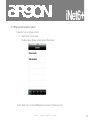
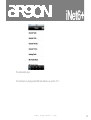
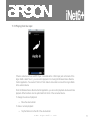
The default language is English. To change, select Menu > System settings > Language > then select
your language.
w w w . a r g o n a u d i o . c o m
21