1
CD-MPX870H
Remote control
ENGLISH
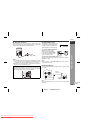
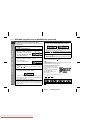
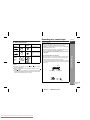
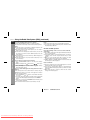
Battery installation
1
2
3
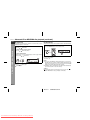
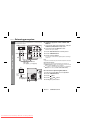
Open the battery cover.
Insert the supplied batteries according to the direction indicated in the battery compartment.
When inserting or removing the batteries, push them towards the
battery terminals.
Close the battery cover.
Notes concerning use:
Replace the batteries if the operating distance is reduced or if the
operation becomes erratic. Purchase 2 "AA" size batteries (UM/
SUM-3, R6, HP-7 or similar).
Periodically clean the transmitter on the remote control and the
sensor on the unit with a soft cloth.
Exposing the sensor on the unit to strong light may interfere with
operation. Change the lighting or the direction of the unit.
Keep the remote control away from moisture, heat, shock, and vibrations.
Preparation for Use
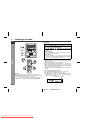
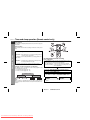
Test of the remote control
Check the remote control after checking all the connections (see
pages 6 - 8).
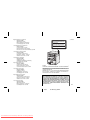
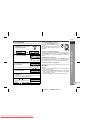
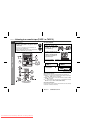
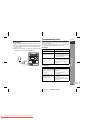
Point the remote control directly at the remote sensor on the unit.
The remote control can be used within the range shown below:
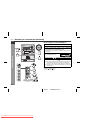
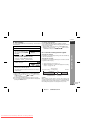
Press the ON/STAND-BY button. Does the power turn on? Now, you
can enjoy music.
Remote sensor
Precautions for battery use:
Replace all old batteries with new ones at the same time.
Do not mix old and new batteries.
Remove the batteries if the unit will not be used for long periods
of time. This will prevent potential damage due to battery leakage.
Caution:
Do not use rechargeable batteries (nickel-cadmium battery, etc.).
Installing the batteries incorrectly may cause the unit to malfunction.
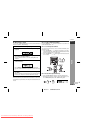
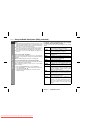
Battery removal:
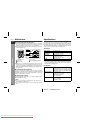
Open the battery cover and pull up the battery to take out.
E-9
03/12/17
Downloaded From DvDPlayer-Manual.com Sharp Manuals
CD-MPX870 EN.fm