1
Page 67
Wednesday, October 17, 2001
1:44 PM
Maintenance
4
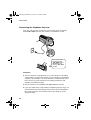
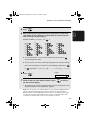
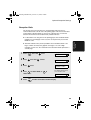
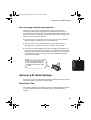
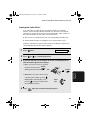
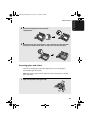
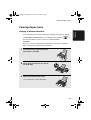
Place the imaging film back in the print
compartment.
5
Rotate the front gear until the film is taut, and then close the operation
panel (press down on both sides to make sure it clicks into place).
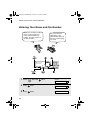
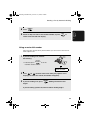
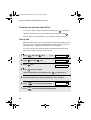
Scanning glass and rollers
Clean the scanning glass and rollers frequently to ensure the quality of
transmitted images and copies.
Note: Remove the paper from the paper tray before cleaning the scanning
glass and rollers.
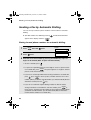
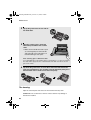
1
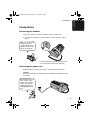
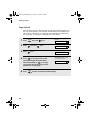
Open the operation panel (press ➊).
2
1
67
8. Maintenance
all.book