1
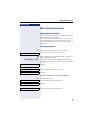
More functions/services
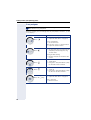
Step by Step
More functions/services
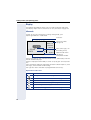
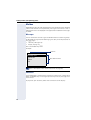
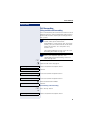
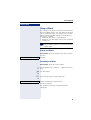
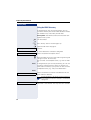
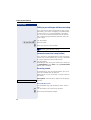
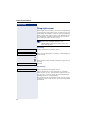
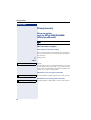
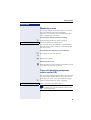
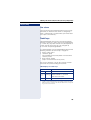
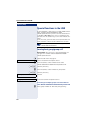
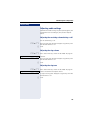
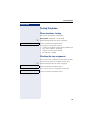
Appointments function
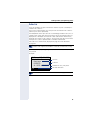
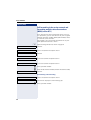
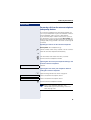
You can configure your phone to call you to remind you
about appointmentsÆ page 92.
You must save the required call times. You can enter a
single appointment that will take place in the next
twenty four hours or you can enter a daily recurring appointment.
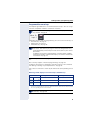
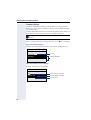
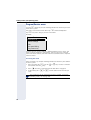
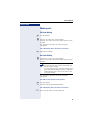
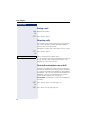
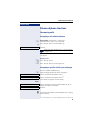
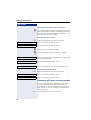
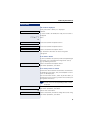
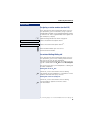
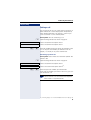
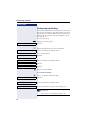
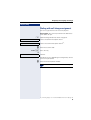
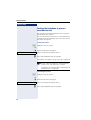
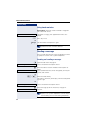
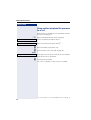
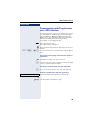
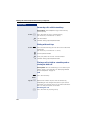
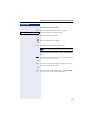
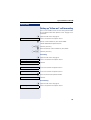
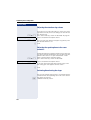
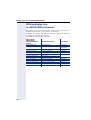
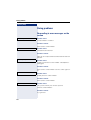
Saving appointments
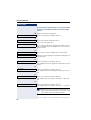
N Open the Program/Service menu Æ page 30.
Timed reminder on
Select and confirm the option shown.
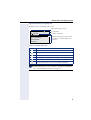
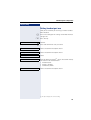
j Enter a 4-digit time such as 0905 for 9.05 (= 9.05 am) or
1430 for 14.30 (= 2.30 pm).
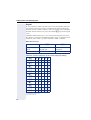
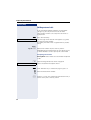
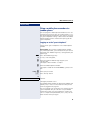
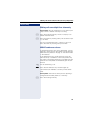
possibly 2 or 7 If the selected language is "US English" Æ page 133,
you can enter the code 2 for "am" or 7 for "pm" (default
= "am").
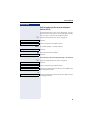
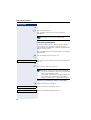
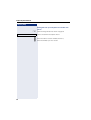
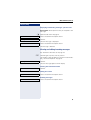
One time only
Confirm.
or
Daily
Select and confirm the option shown.
Save
Confirm.
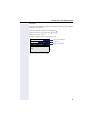
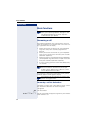
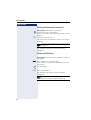
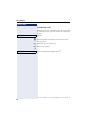
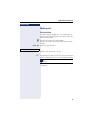
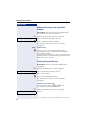
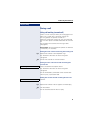
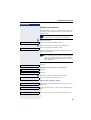
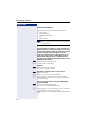
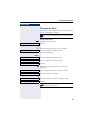
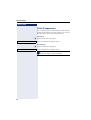
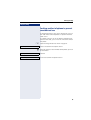
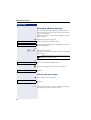
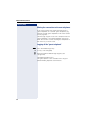
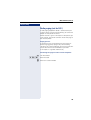
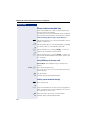
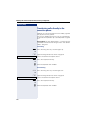
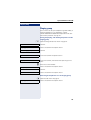
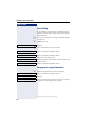
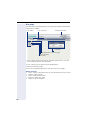
Deleting and checking a saved appointment
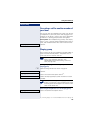
N Press the key shown.
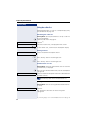
Timed reminder off
Select and confirm the option shown.
Delete
Confirm.
or
Exit
Select and confirm the option shown.
91