1
XL-UR5H
Listening to a cassette tape (continued)
Tape Playback
Tape Playback
30
1
2
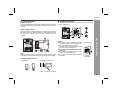
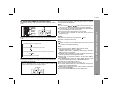
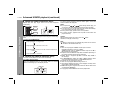
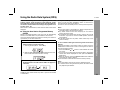
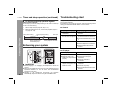
Press the ON/STAND-BY button to turn the power on.
3
Press the STOP/EJECT
holder.
4
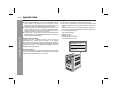
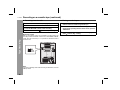
Load a cassette into the cassette compartment with the
side to be played facing towards you. After loading the
cassette push the cassette holder back into position.
5
6
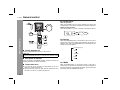
Press the PLAY
Press the TAPE button to select “TAPE” function. “TAPE”
appears.
/
button to open the cassette
button to begin playback.
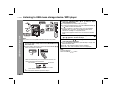
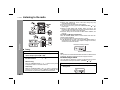
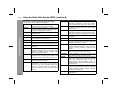
Press the STOP/EJECT / button to stop playback at any
time. Press it again to remove the cassette. When the end
of the tape has been reached, automatic stop will be
activated.
Pause
Press the PAUSE
button to temporarily stop playback or
recording. Press it again to resume operation.
Fast forward and rewind
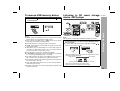
Press the F.FWD
or REWIND
button. When the desired location has been reached, press the STOP/EJECT / button.
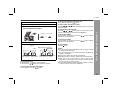
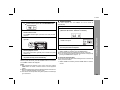
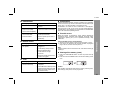
Automatic stop system
At the end of the tape whilst recording or playing back, the cassette deck stops automatically and the button are released.
This system does not work in fast forward and rewind operation.
Be sure to press the STOP/EJECT / button when the end of
the tape has been reached.
Caution:
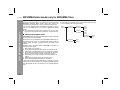
Do not press the PAUSE button whilst the fast forward or rewind
operations are in progress. The REWIND
or F.FWD
button
will not be released when the tape end is reached. Once this occur
press the STOP/EJECT / button.
Before changing from one tape operation to another function,
press the STOP/EJECT / button.