1
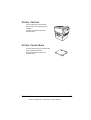
Output Tray
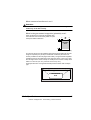
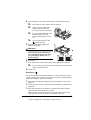
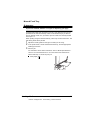
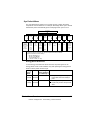
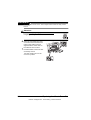
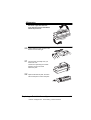
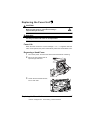
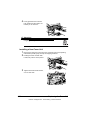
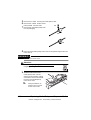
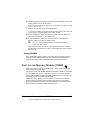
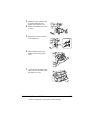
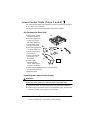
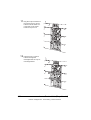
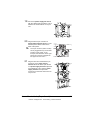
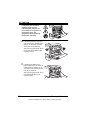
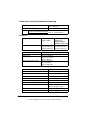
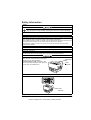
All media is output to the output tray on top of the printer. An OUTPUT FULL/
REMOVE MEDIA message appears in the message window when the
face-down output tray has reached its capacity.
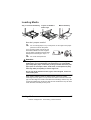
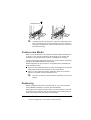
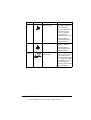
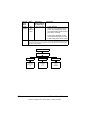
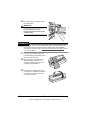
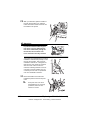
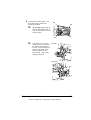
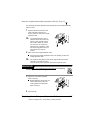
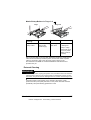
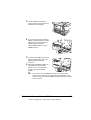
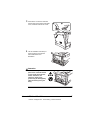
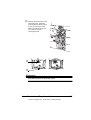
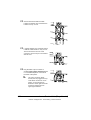
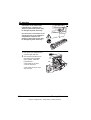
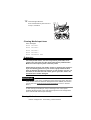
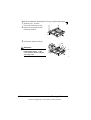
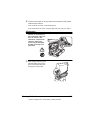
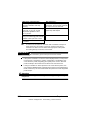
Depending on the media type and the
conditions of the operating environment,
media may fall out of the output tray. If this
occurs, use the media stopper.
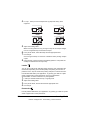
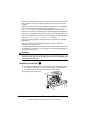
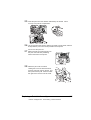
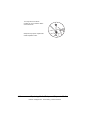
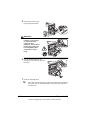
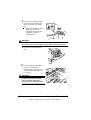
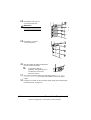
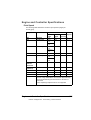
Remove transparencies as soon as possible from the output tray to avoid
static buildup.
36
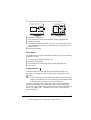
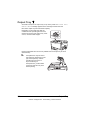
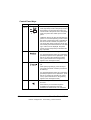
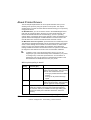
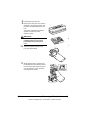
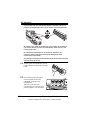
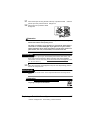
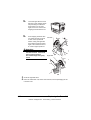
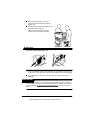
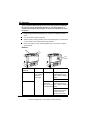
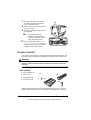
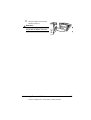
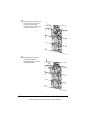
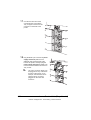
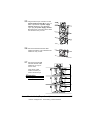
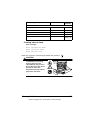
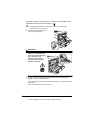
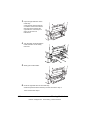
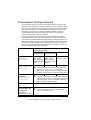
Transparencies may be bent in
the output tray, depending on the
type of transparency and the
operating environment. To
improve stacking of
transparencies, put the media
output tray extension in place
before printing.
Output Tray
EDNord - Istedgade 37A - 9000 Aalborg - telefon 96333500