1
3 - Configuring Client Computer
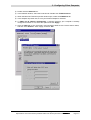
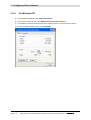
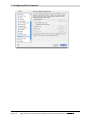
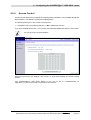
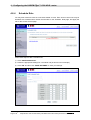
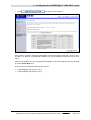
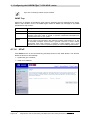
4) Double-click Internet Protocol (TCP/IP).
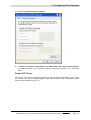
5) If “Obtain an IP address automatically” and “Obtain DNS server address automatically”
are already selected, your computer is already configured for DHCP. If not, select this
option.
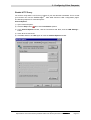
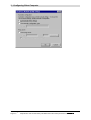
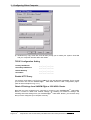
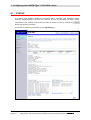
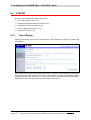
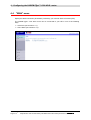
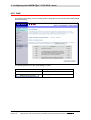
Disable HTTP Proxy
You need to verify that the “HTTP Proxy” feature of your web browser is disabled. This is so that
TM
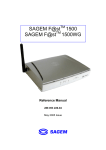
your browser can view the SAGEM F@st 1500 ADSL Router’s HTML configuration pages.
(refer to Internet Explorer on § 3.2.1).
SAGEM F@st™ 1500 Reference Manual - 288053220-03
Reproduction and communication prohibited without the written permission of E
Page 3-13