1
5
Removing the McAfee Agent
After deleting an agent, the system is deleted from the System Tree and the agent is removed during
the next agent‑server communication.
Keep in mind that if point‑products still reside on systems after attempting to remove the agent, the
agent continues to run unmanaged in updater mode in order to maintain those point‑products.
You cannot remove the agent using the Product Deployment task, which can remove products such as
VirusScan Enterprise.
Contents
Remove
Remove
Remove
Remove
Remove
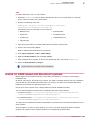
agents when deleting systems from the System Tree
agents when deleting groups from the System Tree
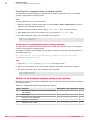
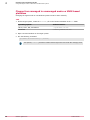
agents from systems in query results
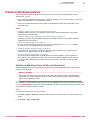
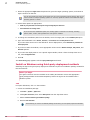
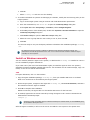
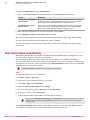
the agent from a Windows command prompt
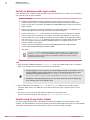
agents from non-Windows operating systems
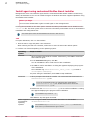
Remove agents when deleting systems from the System Tree
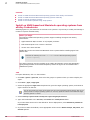
The agent is removed from systems when you delete those systems from the System Tree.
Task
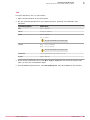
For option definitions, click ? in the interface.
1
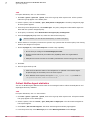
Click Menu | Systems | System Tree, then select the group with the systems you want to delete.
2
Select the systems from the list, then click Actions | Directory Management | Delete.
3
Select Remove agent on next agent‑to‑server communication, then click OK.
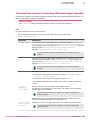
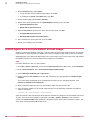
Remove agents when deleting groups from the System Tree
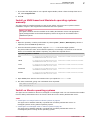
The agent is removed from all systems in a group when you delete that group from the System Tree.
When you delete a group, all of its child groups and systems are also deleted.
Task
For option definitions, click ? in the interface.
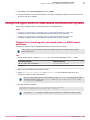
1
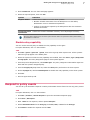
Click Menu | Systems | System Tree, then select a group to be deleted.
2
At the bottom of the System Tree panel, click System Tree Actions | Delete Group.
3
Select Remove agent from all systems, then click OK.
McAfee® Agent 4.8.0
Product Guide
51