1
When you delete a video (other than rented movies) from iPod touch, it isn’t deleted
from your iTunes library and you can sync the video back to iPod touch later. If you
don’t want to sync the video back to iPod touch, set iTunes to not sync the video. See
“What You Need” on page 7.
Important: If you delete a rented movie from iPod touch, it’s deleted permanently and
cannot be transferred back to your computer.
Setting a Sleep Timer
You can set iPod touch to stop playing music or videos after a period of time.
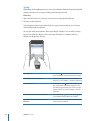
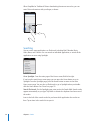
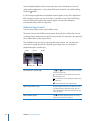
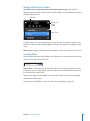
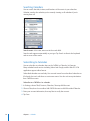
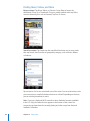
Set a sleep timer: From the Home screen choose Clock > Timer, then flick to set the
number of hours and minutes. Tap When Timer Ends and choose Sleep iPod, tap Set,
then tap Start to start the timer.
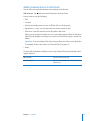
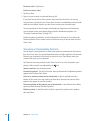
When the timer ends, iPod touch stops playing music or video, closes any other open
application, and then locks itself.
Changing the Browse Buttons
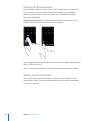
You can replace the Playlists, Artist, Songs, or Videos browse buttons at the bottom
of the screen with buttons you use more frequently. For example, if you often listen
to podcasts and don’t watch many videos, you can replace the Videos button with
Podcasts.
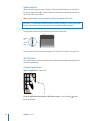
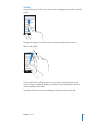
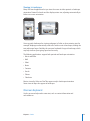
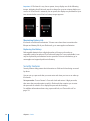
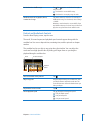
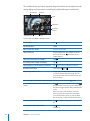
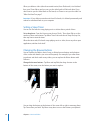
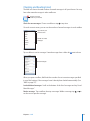
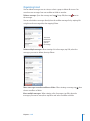
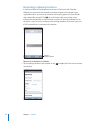
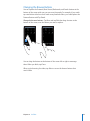
Change the browse buttons: Tap More and tap Edit, then drag a button to the
bottom of the screen, over the button you want to replace.
You can drag the buttons at the bottom of the screen left or right to rearrange them.
Tap Done when you finish. Tap More at any time to access the buttons you replaced.
54
Chapter 4 Music and Video