1
Option 1-1-3:
Telecommand Batteries
This option enables you to check if any
telecommands have reported a low
battery.
User 1 Menu 1
Test Menu
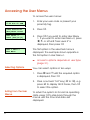
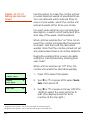
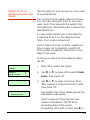
1. Press [ to select this option.
Test Menu 3
Telecmd Batts
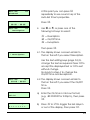
2. Use | or ¬, or press 3 to select
Telecommand Batts, then press [.
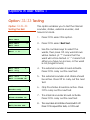
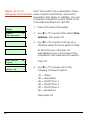
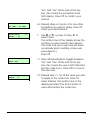
No batteries low
Either:
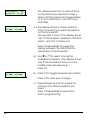
The display shows that all
telecommands are OK.
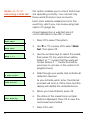
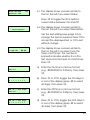
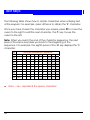
2:01:01 Batt Low
Martha’s
OR
The display shows the number of any
telecommands that have reported a
low battery. If you have programmed a
text name for the telecommand, the
display shows that text on the bottom
line.
3. Press [ to repeat the tests, or ] to
exit.
5