1
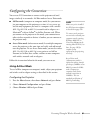
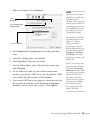
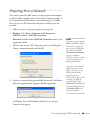
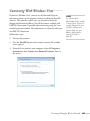
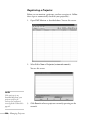
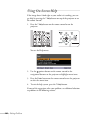
3. Click Install, then follow the on-screen instructions to install
your projector software.
note
If you select more virtual
displays, your computer may
slow down depending on its
capabilities.
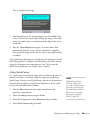
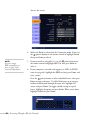
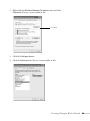
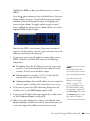
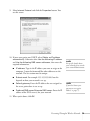
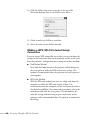
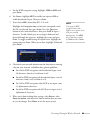
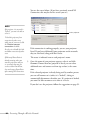
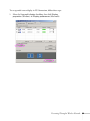
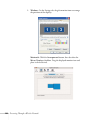
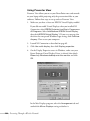
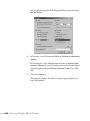
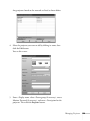
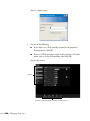
4. When you see the Virtual Display screen, you can select one or
more virtual displays to use for multi-screen projection (see
page 98). Windows lets you use two by default, but you can select
up to four more if you plan to use additional projectors.
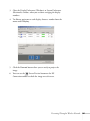
After you install the software, you can change your Virtual
Display selection by accessing EPSON Projector from the Start
menu and selecting Add-Remove EPSON Virtual Display.
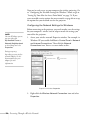
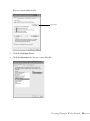
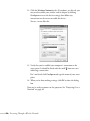
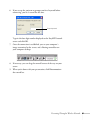
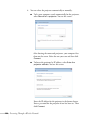
If you see a message that the Epson Projector Support Driver has
not passed Windows Logo testing, click Continue Anyway. If
you have selected multiple Virtual Displays, you will see this
message several times.
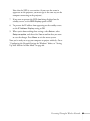
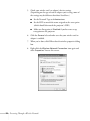
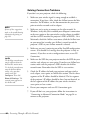
5. When installation is complete, click Finish to close the
installation window.
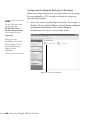
Installing the Software on a Mac
Follow these steps to install EMP NS Connection:
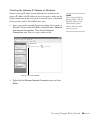
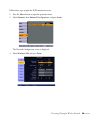
1. Insert the EasyMP software CD-ROM in your drive.
2. If necessary, double-click the Epson CD-ROM icon to open its
window.
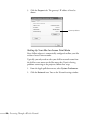
3. Double-click the Installer for Mac OS X icon.
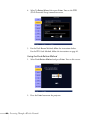
4. Click Install, then follow the on-screen instructions to install the
software.
5. When installation is complete, click Finish to close the
installation window.
202
Software Installation