1
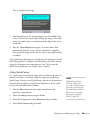
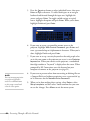
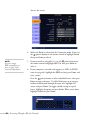
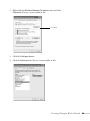
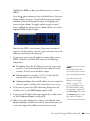
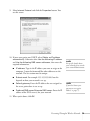
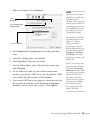
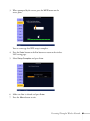
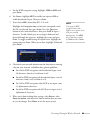
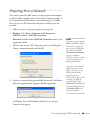
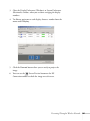
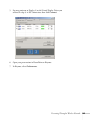
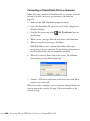
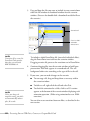
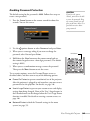
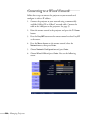
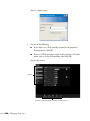
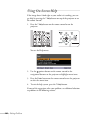
4. Select To Setup Wizard, then press Enter. You see the WPS
(Wi-Fi Protected Setup) connection screen:
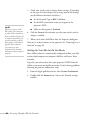
5. For the Push Button Method, follow the instructions below.
For the PIN Code Method, follow the instructions on page 82.
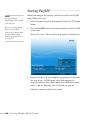
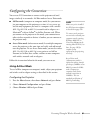
Using the Push Button Method
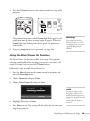
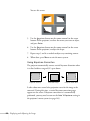
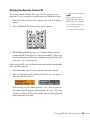
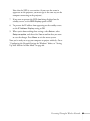
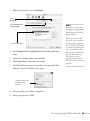
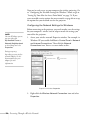
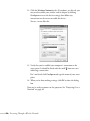
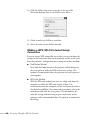
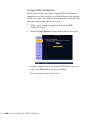
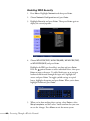
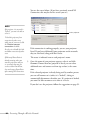
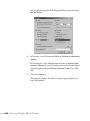
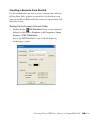
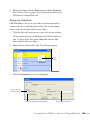
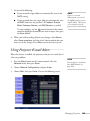
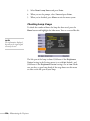
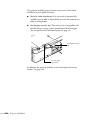
1. Select Push Button Method and press Enter. You see this screen:
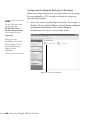
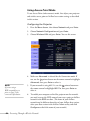
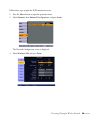
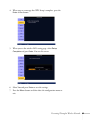
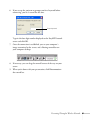
2. Press the Enter button on the projector.
80
Presenting Through a Wireless Network