1
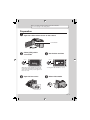
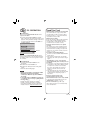
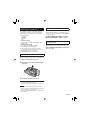
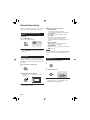
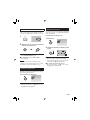
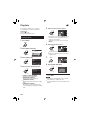
Before recording, charge the battery and set the date/time.
See the next page for recording videos.
Preparation
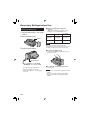
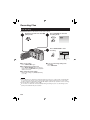
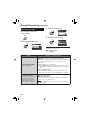
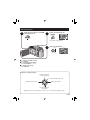
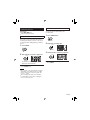
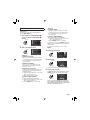
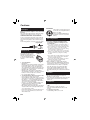
Q Open the LCD monitor to turn on the camera
Power Button
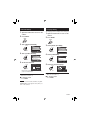
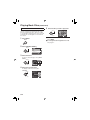
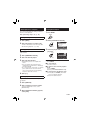
Select [YES] within
R 10 seconds
Select
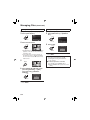
S Set the date and time
Select
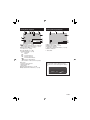
SET DATE/TIME!
CLOCK ADJUST
DATE
JAN
YES
TIME
31
2008
11 07 AM
NO
SELECT
SET
SELECT
QUIT
Set
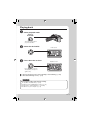
When the message disappears, press the
power button for at least 2 seconds to turn
off the power, and then press it again for at
least 2 seconds.
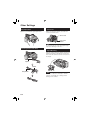
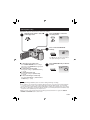
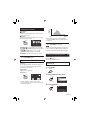
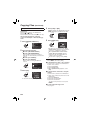
T Open the lens cover
SET
QUIT
Set
To change the date and time ( p. 17)
U Select video mode
EN
3