1
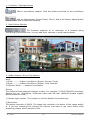
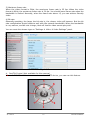
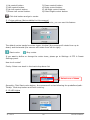
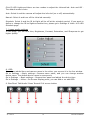
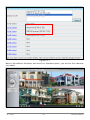
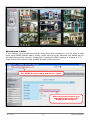
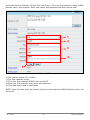
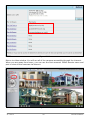
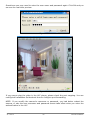
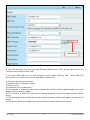
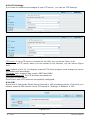
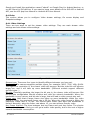
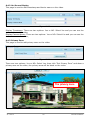
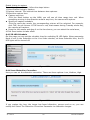
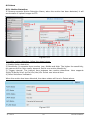
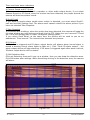
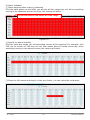
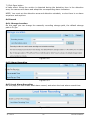
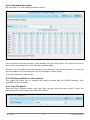
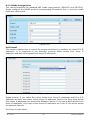
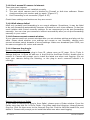
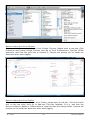
Enable timing to capture To enable capture interval, follow the steps below: 1 Select Enable timing to capture 2 Capture interval: The interval time between two captures. 3 Select the capture time Capture any time Click the black button up the MON, you will see all time range turn red. When something moving in the detection area at any time, the camera will capture. Specify an capture schedule Click the week day words, the corresponding column will be selected. For example, click TUE, the all column of TUE turns to red, that means during Tuesday whole day, the camera will capture. Press the left mouse and drag it on the time boxes, you can select the serial area, 4 Click Save button to take effect. 6.4.5 IR LED Schedule On this page you can set the schedule time for switching IR LED lights. When parameter Mode is set to the Schedule on the Live Video window, at these schedule time, the IR LED lights will be turned off. Figure 6.52 6.4.6 Lens Distortion Correction Here you can set the distortion correction. There are three options: Low, Medium, High. Figure 6.53 If you replace the lens, the image has found distortion, uneven and so on, you can modify the Select The Distortion Correction Parameter to calibration images. 31-7-2014 52 ebode IPV58P2P