1
Synergy 2150 user guide 31/5/00 10:40 Page 35
Synergy 2150 - Edition 7 – 30th May ’00
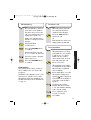
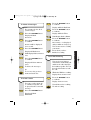
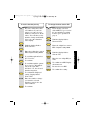
To hear and switch between
the different melodies 1-6.
Del
Options
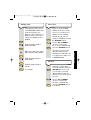
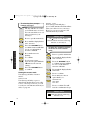
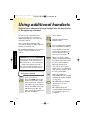
To set a different language for
the display
Press the OPTIONS button
to confirm the setting
displayed.
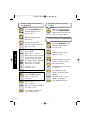
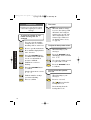
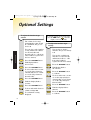
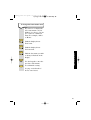
To switch the keytones off and on
You can set the options of
‘English’, ‘Francais’,
‘Deutsch’, ’Italiano’ or
‘Espanol’.
Options
Until the display flashes
HS setting.
Del
When you press a button on
the handset, you hear a
beep. You can switch these
beeps off.
Options
Until the display flashes
Language.
Del
Options
Options
Del
Until the display flashes
HS setting.
Options
Del
Until the display flashes
Key tone.
optional settings
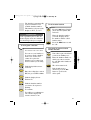
To scroll through the options,
Deutsch, English,
Francais, Italiano or
Espanol until the required
language flashes.
Del
Options
Del
Options
Until the display flashes
ON or OFF.
To confirm the setting
displayed.
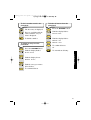
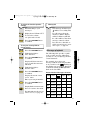
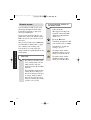
Please note
The current language
setting is indicated by an ✱ before
the country’s language.
Options
To select the language
displayed.
36