1
CentreVu® CMS Open Database Connectivity
ODBC Driver and Installation
Installing the ODBC Driver on the CMS Server
Installing ODBC
Version 3.0
2-5
Install ODBC version 3.0 only on CMS R3V5 systems.
2
For the ODBC driver installation procedure for CMS R3V6 and R3V8
systems, see “Installing ODBC Version 3.2” on page 2-9.
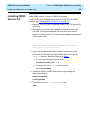
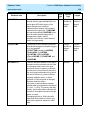
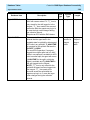
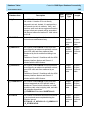
1. Load the “CentreVu CMS OPENLINK ODBC Driver” CD into the CDROM drive.
2. After about 15 seconds, enter mount to verify the name of the
CD-ROM. The program responds with a list of devices and file
systems currently mounted. The last line should display the installed
CD as shown below:
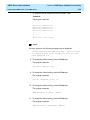
. . .
. . .
. . .
/cdrom/odbc_driver on /vol/dev/dsk/c0t2d0/odbc_driver read
only on Sat Jun 6 11:47:05 1998
3. If this is an upgrade of the ODBC software, enter the following
commands to shut down the request broker and remove the old
openlink directory; otherwise, proceed to Step 4.
a. To shut down the request broker, enter:
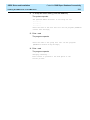
/cms/dc/odbc/odbc_init -r 0
b. To remove the old openlink directory, enter:
rm -fr /usr/openlink
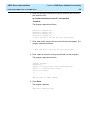
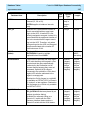
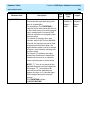
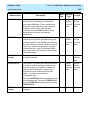
4. Create the OpenLink ODBC driver directory by entering the
following commands:
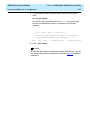
mkdir /usr/openlink
cd /usr/openlink
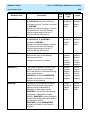
5. To confirm you are in /usr/openlink, enter:
pwd