1
Connection
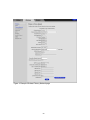
The Connection page is a read-only screen that shows the status of the steps in your
Cable Modem/Router registration process. It also shows your Cable Modem/Router’s
upstream and downstream channel status.
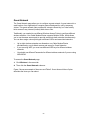
To access the Cable Modem Connection page:
1
Click the Router menu tab.
2
Then click the Connection submenu.
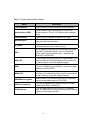
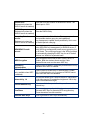
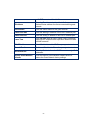
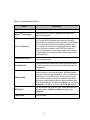
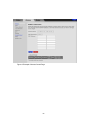
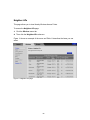
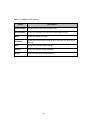
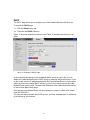
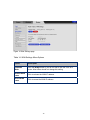
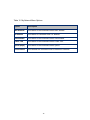
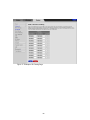
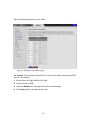
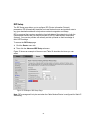
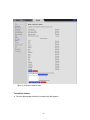
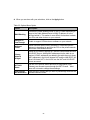
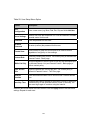
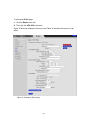
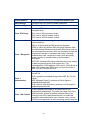
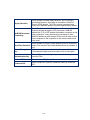
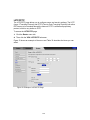
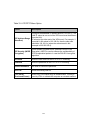
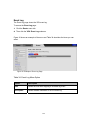
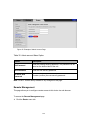
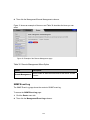
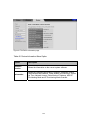
Figure 42. Example of the Connection Page shows an example of the page and Table 40
describes the information on the page.
133