1
Using the ACD Key
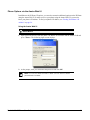
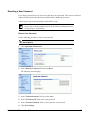
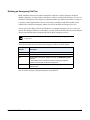
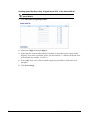
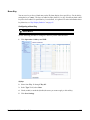
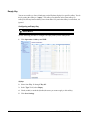
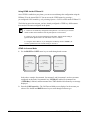
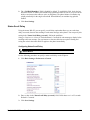
Use the following procedure to log into a phone queue from your IP phone.
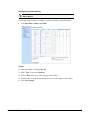
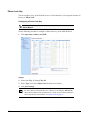
IP Phone UI
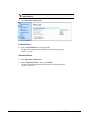
1. Check with your Administrator to verify the queue linked to your ACD Key.
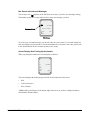
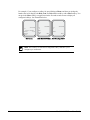
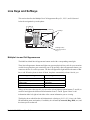
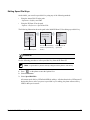
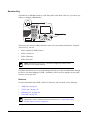
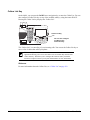
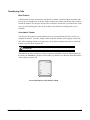
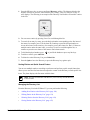
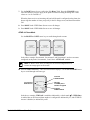
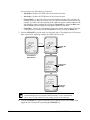
2. Press the ACD Key on your IP phone. The LCD displays the label of the ACD queue you
are accessing.
L1
Mon Jan 2 10:37am
o Support
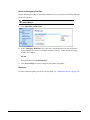
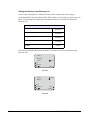
The "User ID" and "Password" prompts displays.
ACD: Support
User ID:
Password:
Backspace
Log In
Cancel
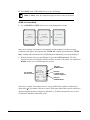
3. Using the keypad, enter your User ID (phone number provided by your System
Administrator).
4. Using the keypad, enter your Password (provided by your System Administrator) and press
the Log In Key.
Note: Use the Backspace softkey to move back a space and delete a character if
required. Use the Cancel softkey to cancel the ACD login.
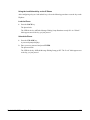
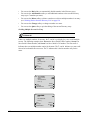
Your phone logs into the queue on the server.
88
Model 9480i IP Phone User Guide