1
Template.book Page 127 Wednesday, December 28, 2005 7:02 PM
Settings
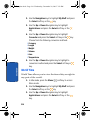
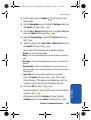
3. Enter a Name.
4. Press and hold the
key to clear the current number,
enter a new number and press the Save soft key or the
key.
Note: You must obtain the Center Address number from your service
provider.
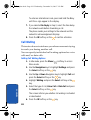
5. When you are finished, press the
key.
Push Messages
Push Messages allows you to select whether your phone
receives or rejects push messages from the WAP Server.
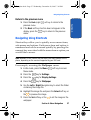
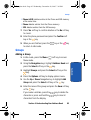
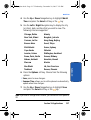
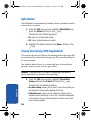
Use the Up or Down Navigation key to highlight one of
the following options and press the Select soft key or the
key.
• Never: select to reject push messages from the WAP server.
• Always: select to accept push messages from the WAP server.
Broadcast (SIM Dependent)
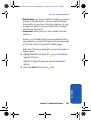
This network service allows you to receive text messages
on various topics, such as the weather or traffic.
Please contact your service provider for further details.
Section 7
Section 7: Messaging
127