1
Template.book Page 185 Wednesday, December 28, 2005 7:02 PM
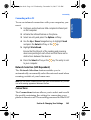
Using the MP3 Player
Menu mode.
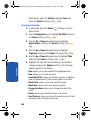
2. Use the Navigation key to highlight Cingular Video and
press the Select soft key or the key.
3. Use the Up or Down Navigation key to highlight the
video/audio clip you would like to view and press the
key.
Using the MP3 Player
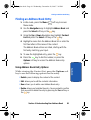
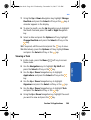
1. In Idle mode, press the Menu (
Menu mode.
) soft key to access
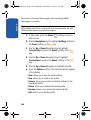
2. Use the Navigation key to highlight My Stuff and press
the Select soft key or the key.
3. My Media is highlighted, press the Select soft key or the
key.
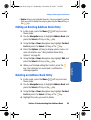
4. Use the Up or Down Navigation key to highlight Music
and press the Select soft key or the key.
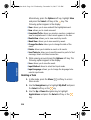
Alternatively, if you have inserted your TransFlashTM
memory card and would like to listen to songs stored on
your card, highlight Memory Card and press the Select
soft key or the key.
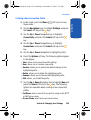
5. Use the Left or Right Navigation key to select the folder
that contains the music file.
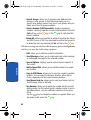
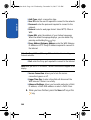
6. Highlight a music file and press the Options soft key. The
following options appear in the display:
Section 9: Multimedia
185
Section 9
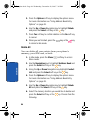
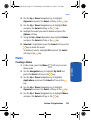
Your zx10 provides you with MP3 Player capabilities.
Before using the MP3 player, you must first save MP3
music files in your phone’s memory or on your
TransFlashTM memory card.