1
T R AF F I C AN AL Y S T U S E R S G U I D E
8 Alarms
Traffic Analyst’s alarms permit the easy identification and notification of several key
networks conditions including:
•
Changing capacity requirements
•
Non-performing equipment
•
Off-hour outbound fraud/abuse
Alarms apply to the different modules you purchase, though some apply to all modules.
For example, the License Over Capacity alarm is available no matter which module you
have purchased, but the All Trunks Busy alarm is only available to users of the Network
module.
8.1 Reports
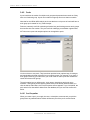
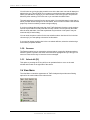
Traffic Analyst Alarms reports allow you to create reports for Network alarms,
Switch/System alarms and Call Detail alarms. You may choose to save alarm reports for
reuse.
8.1.1
Network
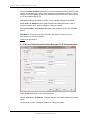
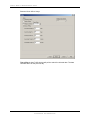
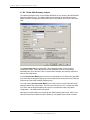
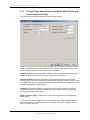
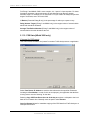
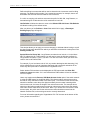
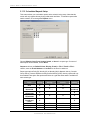
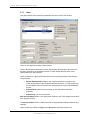
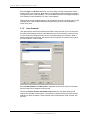
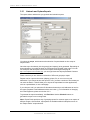
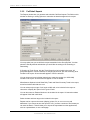
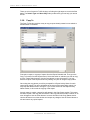
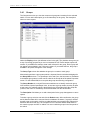
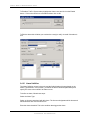
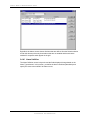
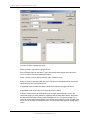
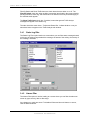
Network alarms let you select the switch or switches, dates, and alarm types you want to
include in the report.
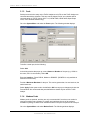
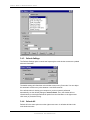
You select the alarm detail, which is the severity of the alarm, so if you only want to see
High alarm conditions you can filter out Medium and Low conditions.
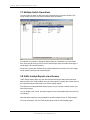
You can also sort the report data in a variety of ways. Below are descriptions of the default
Network Alarms.
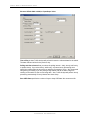
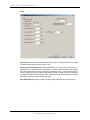
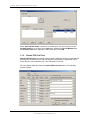
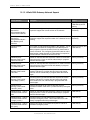
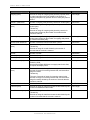
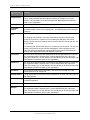
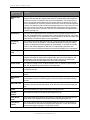
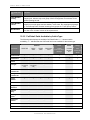
The following alarms are available to users of the Traffic Analyst Network module.
JUNE
2011
•
All Trunks Busy – triggered if all the trunks in the group are busy for X number
of minutes (seconds or hours). The pager code is 33.
•
Erratic Trunk Peg Count – (Siemens 9006, HiPath 4000, HiPath 3000 only)
triggered if a trunk's peg count differs by X% from the group mean over a
specified time range. The pager code is 33.
•
Erratic Trunk Usage – (Siemens 9006, HiPath 4000, HiPath 3000 only)
triggered if a trunk's usage differs by X% from the group mean over a specified
time range. The pager code is 33.
•
No Seizures for Trunk – (Siemens 9006, HiPath 4000, HiPath 3000 only)
triggered when any one trunk in a group experiences no seizures and another
trunk in the same group has more than two seizures during the same interval.
This alarm is intended to find broken trunks as opposed to idle trunks. The pager
code is 33.
•
No Seizures for Trunk Group – triggered if an entire trunk group experiences
no trunk seizures during an interval within a specified time range. The pager
code is 33.
I M P AC T T E CH N O L OG I ES , I N C
CONFI DENTI AL AND PROPRI ETARY
140