1
Individual phone configuration
Step by step
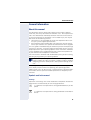
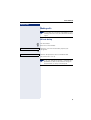
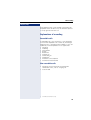
Setting the language and country
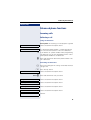
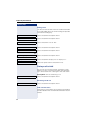
Selecting a language
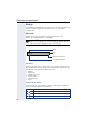
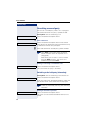
Use this menu option to select the language for operator prompting.
z You can also configure this setting via the Web interface
Æ page 129.
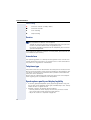
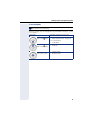
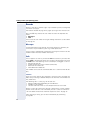
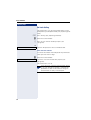
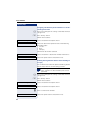
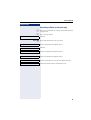
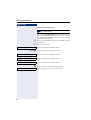
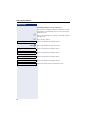
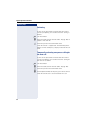
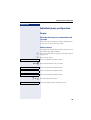
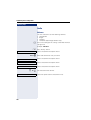
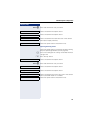
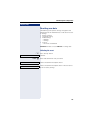
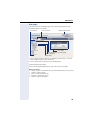
N Press the key shown.
User
Select and confirm the option shown.
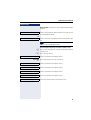
if nec.j Enter and confirm the user password.
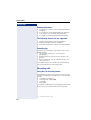
Locality?
Select and confirm the option shown.
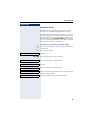
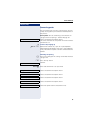
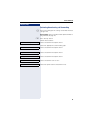
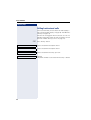
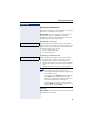
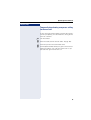
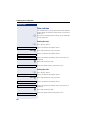
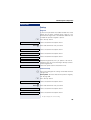
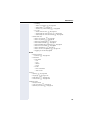
Language = Deutsch
f
Select and confirm the option shown. The language set
is displayed.
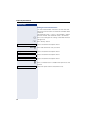
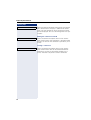
English
f
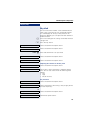
Select and confirm to set the required language, in
our example, English.
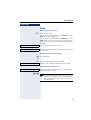
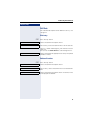
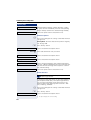
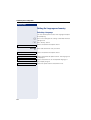
Option = Save & Exit
l
Select the option shown and confirm twice.
114