1
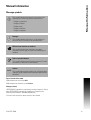
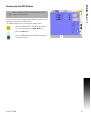
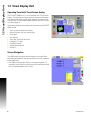
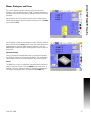
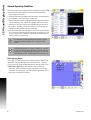
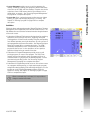
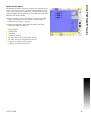
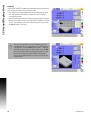
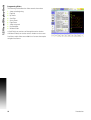
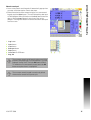
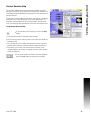
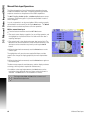
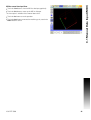
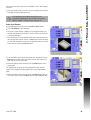
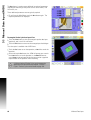
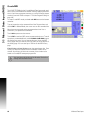
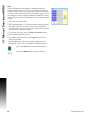
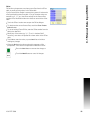
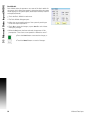
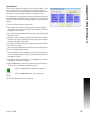
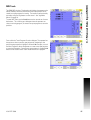
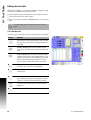
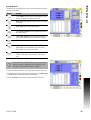
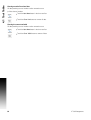
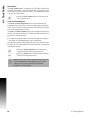
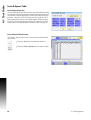
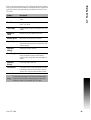
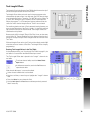
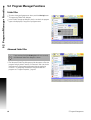
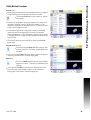
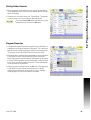
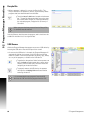
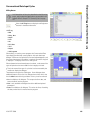
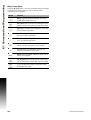
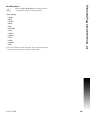
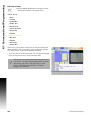
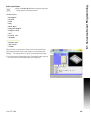
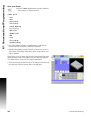
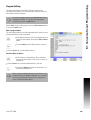
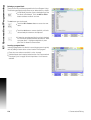
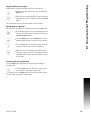
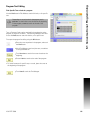
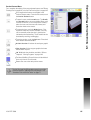
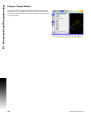
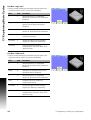
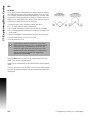
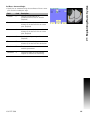
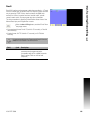
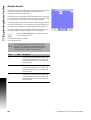
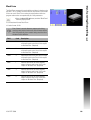
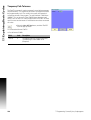
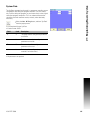
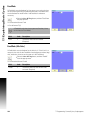
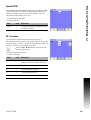
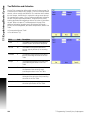
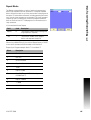
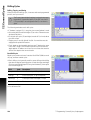
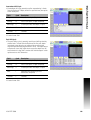
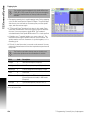
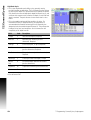
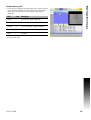
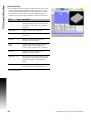
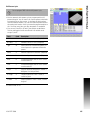
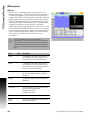
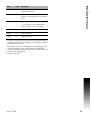
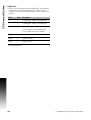
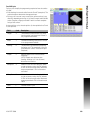
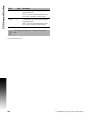
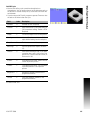
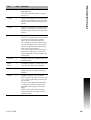
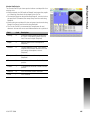
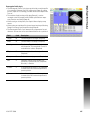
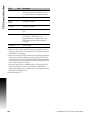
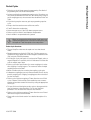
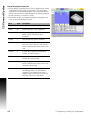
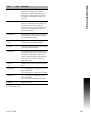
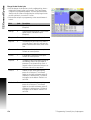
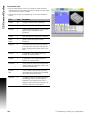
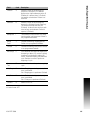
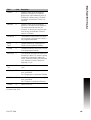
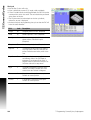
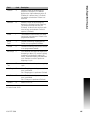
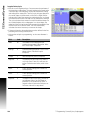
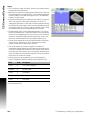
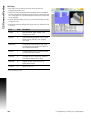
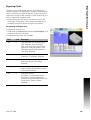
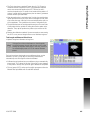
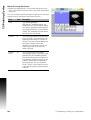
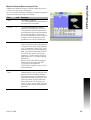
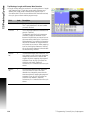
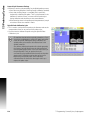
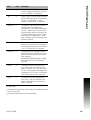
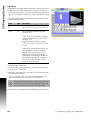
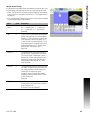
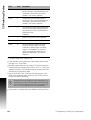
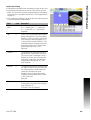
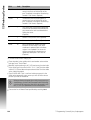
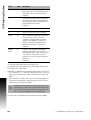
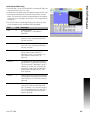
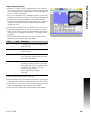
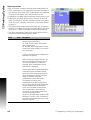
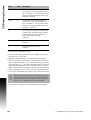
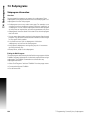
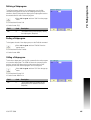
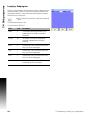
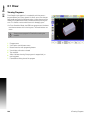
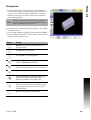
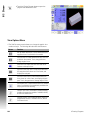
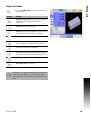
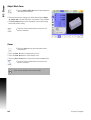
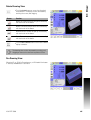
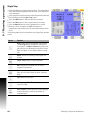
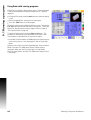
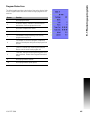
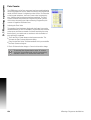
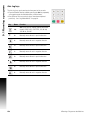
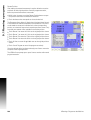
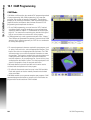
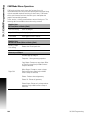
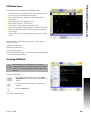
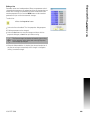
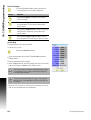
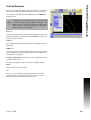
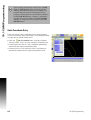
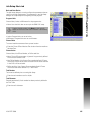
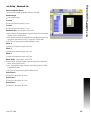
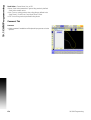
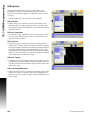
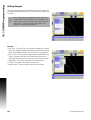
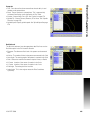
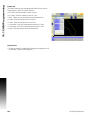
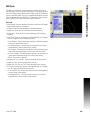
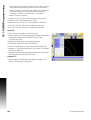
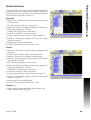
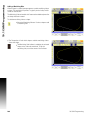
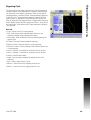
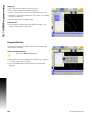
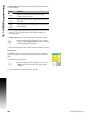
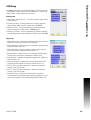
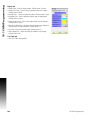
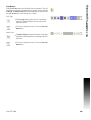
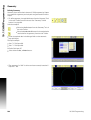
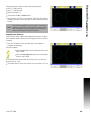
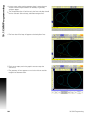
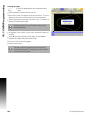
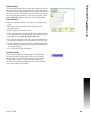
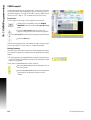
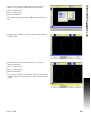
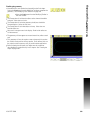
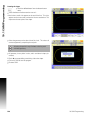
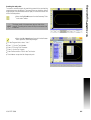
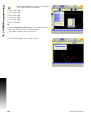
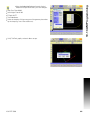
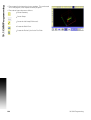
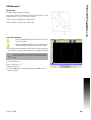
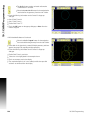
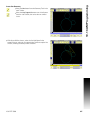
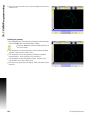
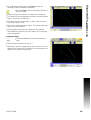
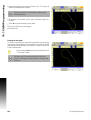
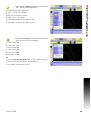
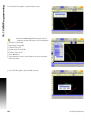
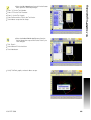
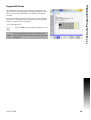
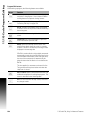
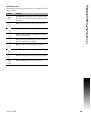
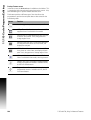
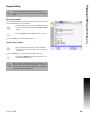
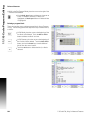
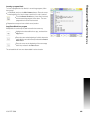
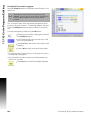
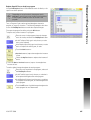
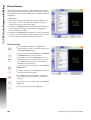
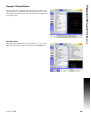
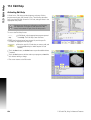
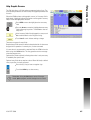
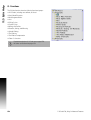
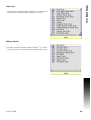
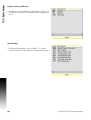
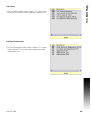
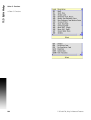
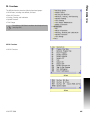
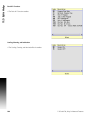
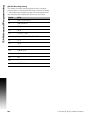
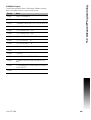
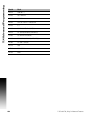
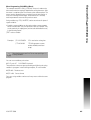
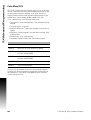
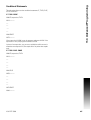
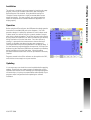
8.1 Draw Draw Options Touch the Options button to activate the Options Dialogue. The Options dialogue functions the same as in Programing. In Draw, blocks of the program can be marked to stop, or be skipped. When these are selected, the Stop or Skip feature is activated. The Rotate feature functions in the same way, when selected, Rotate is activated. Highlight Block is available when 2D, or 3D Line view has been selected. When activated, if a program block is selected, the lines in the drawing view are highlighted (by changing color) for that block. If a line in the drawing view is selected, then the block in the program is highlighted. ACU-RITE 3500i 247