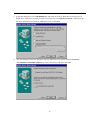
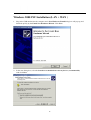
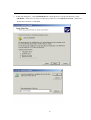
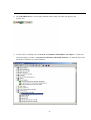
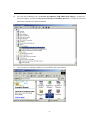
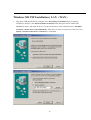
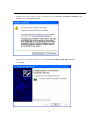
4. Windows will notify you that it is ready to install the driver by using CXTCAFEU.INF file.
Click Next.
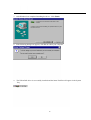
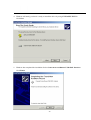
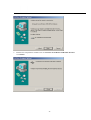
5. Windows has completed the installation for the Conexant AccessRunner USB ADSL Interface.
Click Finish.
20