1
5
Playing Discs
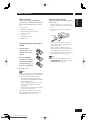
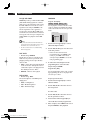
Preview function
Video-CD
1
SVCD
DVD-Video
CD
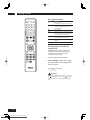
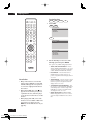
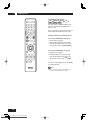
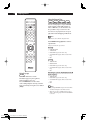
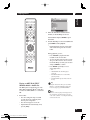
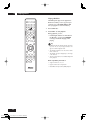
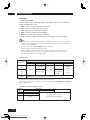
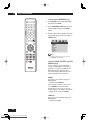
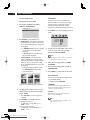
Press SCAN.
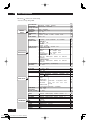
SVCD
VCD
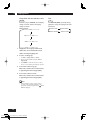
SELECT DIGEST TYPE
TRACK DIGEST
DISC INTERVAL
TRACK INTERVAL
DVD
SELECT DIGEST TYPE
TITLE DIGEST
TITLE INTERVAL
SELECT DIGEST TYPE
GROUP DIGEST
TRACK DIGEST
GROUP INTERVAL
TRACK INTERVAL
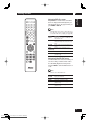
2
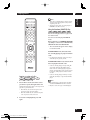
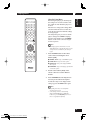
Use the 5/∞ keys to select one of the
following options and press ENTER.
This option is only available during playback mode.
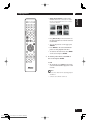
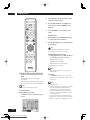
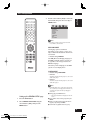
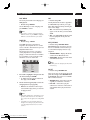
• TRACK/TITLE/CHAPTER DIGEST – View six
different TRACK/TITLE/CHAPTER on one screen
each time. This allows you to have a quick glance
at all the TRACK/TITLE/CHAPTER on the disc.
• DISC INTERVAL – View the whole disc in six
thumbnail pictures. It divides a disc into six
portions at regular intervals and displays them on
one screen.
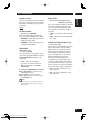
Introduction
• Many of the functions covered in this
chapter apply to DVD discs, Video CDs
and CDs, although the exact operation
of some varies slightly with the kind of
disc loaded.
• When playing DVD discs, if the icon
appears on-screen when you try to use
a particular function, either the player
or the disc doesn’t allow the use of that
function.
• When playing Video CDs, some of the
functions are not available in PBC mode.
If you want to use them, press the
MENU to turn the PBC function off (see
page 17).
18
Downloaded From Disc-Player.com Marantz Manuals
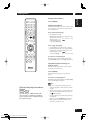
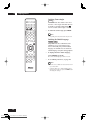
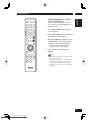
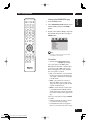
• TRACK INTERVAL – View the content of a single
track in six thumbnail pictures. It divides a single
track into six portions at regular intervals and
displays them on one screen.
• TITLE INTERVAL/CHAPTER INTERVAL – View
the content of a single TITLE/single CHAPTER in
six thumbnail pictures. It divides a single TITLE/
CHAPTER into six portions at regular intervals
and displays them on one screen.
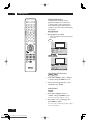
• GROUP/TRACK DIGEST – GROUP/TRACK
DIGEST will playback the first 3 to 4 seconds of
every title/chapter available in the disc/current
title.