1
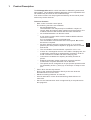
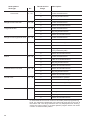
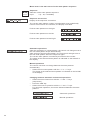
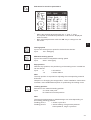
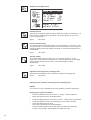
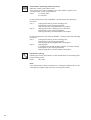
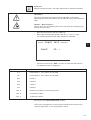
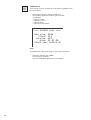
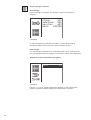
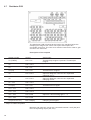
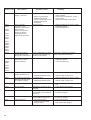
Change seam pattern
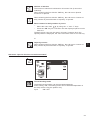
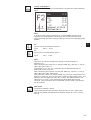
Design
Edit:
Delete:
Copy:
0
0
0
No.st.av.:4900
No.pat.av.: 8
–
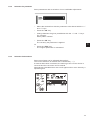
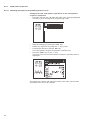
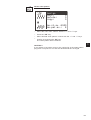
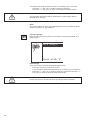
Select desired menu item with the “ñ” and “ò” keys.
–
Press the “OK” key.
–
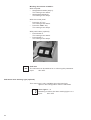
Select free seam contour with the “ñ” and “ò” keys.
–
Confirm by pressing the “OK” key.
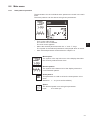
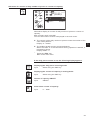
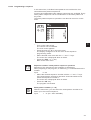
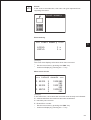
The menu “Change seam pattern” is displayed.
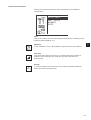
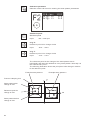
1
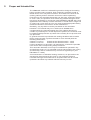
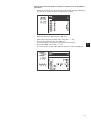
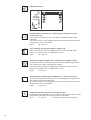
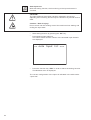
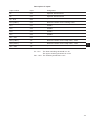
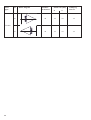
Stitch coordin
Del.St.:
0
Ins.St.:
0
Append stitch
Parameter
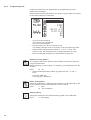
No.stich: 100
No.st.av.:4900
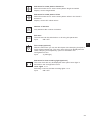
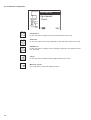
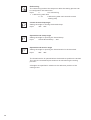
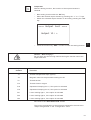
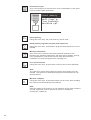
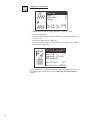
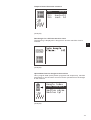
Stitch coordinates
Selection of the sub-menu for altering the stitch coordinates.
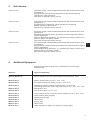
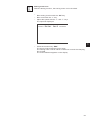
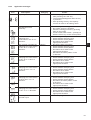
Delete stitch:
Delete stitch.
Input:
Number of stitch to be deleted
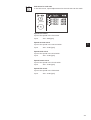
Add stitch:
Add stitch.
Input:
Number of the stitch in front of which a new stitch is to be added.
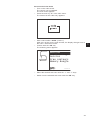
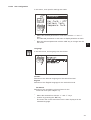
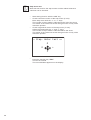
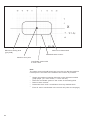
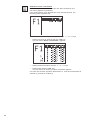
The sub-menu for altering the stitch coordinate appears.
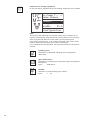
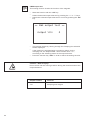
Add stitch (at the end)
The sub-menu for altering the stitch coordinate appears.
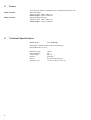
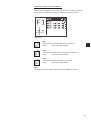
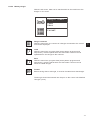
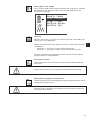
Parameter
Selection of the sub-menu for altering the seam pattern parameters.
65