1
Integrity Voice Alarm Routing Matrix
CPU Card
The Integrity CPU card is at the heart of the Integrity system. This card handles the fault logging and also runs the
cause and effects software which controls all the other cards. The Serial port on the back of an Integrity CPU card
allows the connection of a printer for fault logging and is also used for serial communications between the Integrity
system and a PC running Integrity Editor.
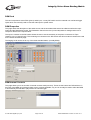
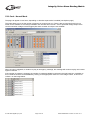
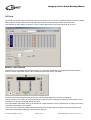
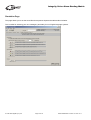
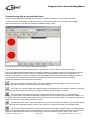
Slot Properties
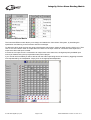
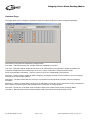
The drop-down box allows the card type to be changed (although currently the CPU card is the only card that can be
put in this slot).
The ‘Site Name’ field contains the name that appears on the front of the LCD Display when the unit is healthy.
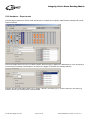
The ‘Number of Mutes’ enables up to four virtual ‘mute’ inputs which insert audio silence in order to silence real audio
inputs. These are used like normal inputs (such as BGM etc.) and have a priority. Normally only one mute is employed
and its priority will be just above background music so that it can be silenced when the emergency messages are
playing in other zones.
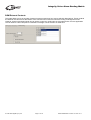
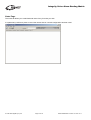
The ‘22 KHz Monitoring Tone’ option controls the tone used to monitor amplifiers and speaker lines.
This section controls the global 22 kHz tone options. The tone from individual OP2 cards can also be switched on and
off in that card’s software.
The normal mode is 'Enabled' as ‘Disabled’ would only be used non life-safety systems.
The ‘Pulsed’ option saves power supply current and has been provided for planned amplifiers that will make more
efficient use of standby batteries.
© 1999-2005 SigNET (AC) Ltd.
Page 8 of 36
DocNo.DCM0003212 ADS 14/11/05 rev 2