1
UltiMate GPS App
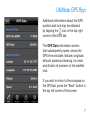
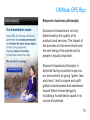
The GPS tab and Satellites tab allow
you to customize the LED indicators
on your UltiMate GPS accessory,
e.g. for night viewing or lower power
consumption. By tapping an LED
indicator button on the iPod screen
(blue, red, orange or green), you can
turn its respective LED indicator on
your UltiMate GPS accessory on or off.
Please take note of the following:
• The red LED indicator will always
flash when the accessory is
searching for a satellite lock.
• The green LED indicator can only be
turned on/off when the USB cable is
connected.