1
9. Robot Configuration
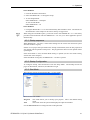
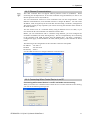
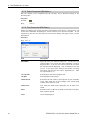
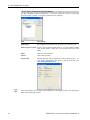
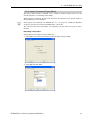
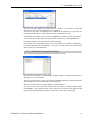
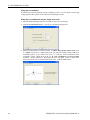
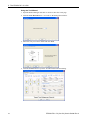
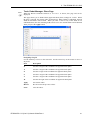
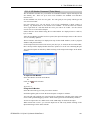
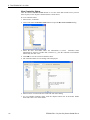
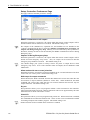
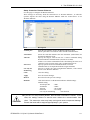
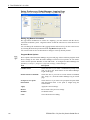
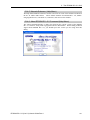
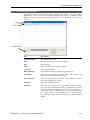
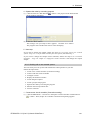
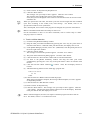
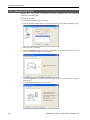
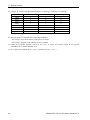
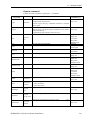
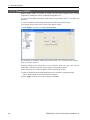
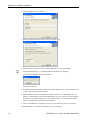
7. For SCARA robots, reset the encoder for the selected joint as described on the dialog.
For 6-axis robots, the encoder for the selected joint is automatically reset.
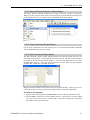
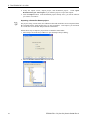
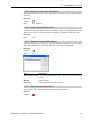
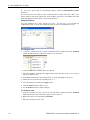
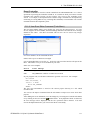
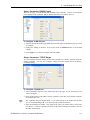
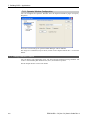
8. Click the Next button to view the next step. The controller is restarted before step 3 is
displayed.
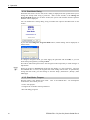
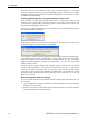
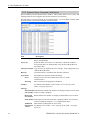
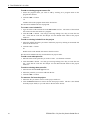
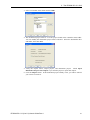
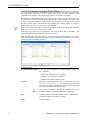
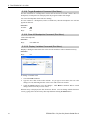
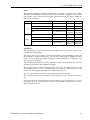
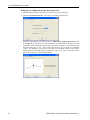
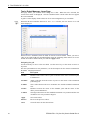
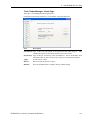
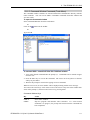
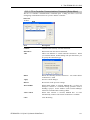
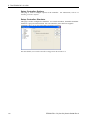
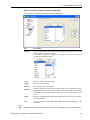
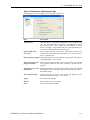
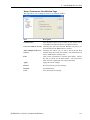
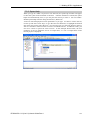
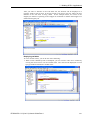
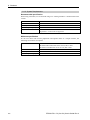
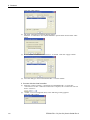
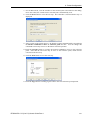
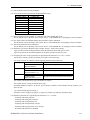
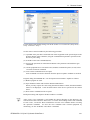
9. Select a point in the current project. By default, a Jump command will be inserted into
the Motion command to move to reference point text box. You can change this
command as necessary to move to the known reference position.
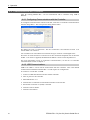
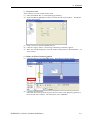
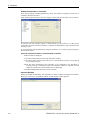
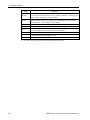
10. Click the Execute button to execute the motion command to move to the reference
point. Note that the robot will only be close to the reference point, which will be
corrected in the next step.
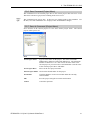
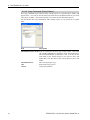
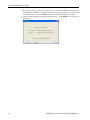
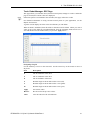
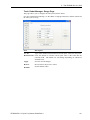
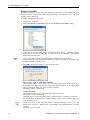
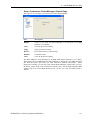
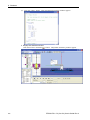
11. Click the Next button to view the next step.
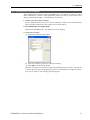
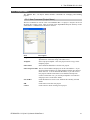
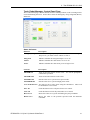
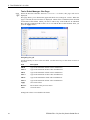
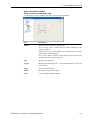
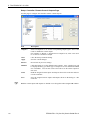
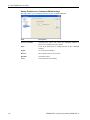
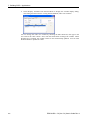
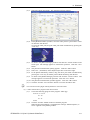
12. Click the Jog button to carefully jog the robot to the exact reference point position.
EPSON RC+ 5.0 (Ver.5.4) User's Guide Rev.4
243