1
32
en | Configuration
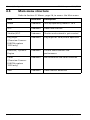
4.
DINION capture 5000/7000
Mode 4
Default settings.
5.
Mode 5
Default settings.
6.
Mode 6
Default settings.
NOTICE!
In the overview camera, mode names by default are called
Mode 1, Mode 2, etc.
4.3
Day/Night switching (DINION capture
7000)
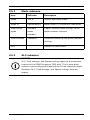
The overview camera is equipped with a motorized IR filter. The
mechanical IR filter can be removed in low-light or IR
illuminated applications by software configuration settings.
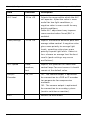
If Auto switching mode is selected, the camera automatically
switches the filter depending on the observed light level. The
switching level is programmable. In Auto switching mode the
camera prioritizes motion (the camera gives sharp images
without motion blur as long as the light level permits) or color
(the camera gives color pictures as long as the light level
permits). The camera recognizes IR illuminated scenes to
prevent unwanted switching to color mode.
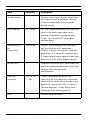
There are four different methods of controlling the IR filter:
| 1.0 | 2012.01
–
via an alarm input,
–
via Bilinx communication,
–
automatically, based on the observed light levels, or
–
as part of the programmable mode profile.
Installation Manual
Bosch Security Systems, Inc.